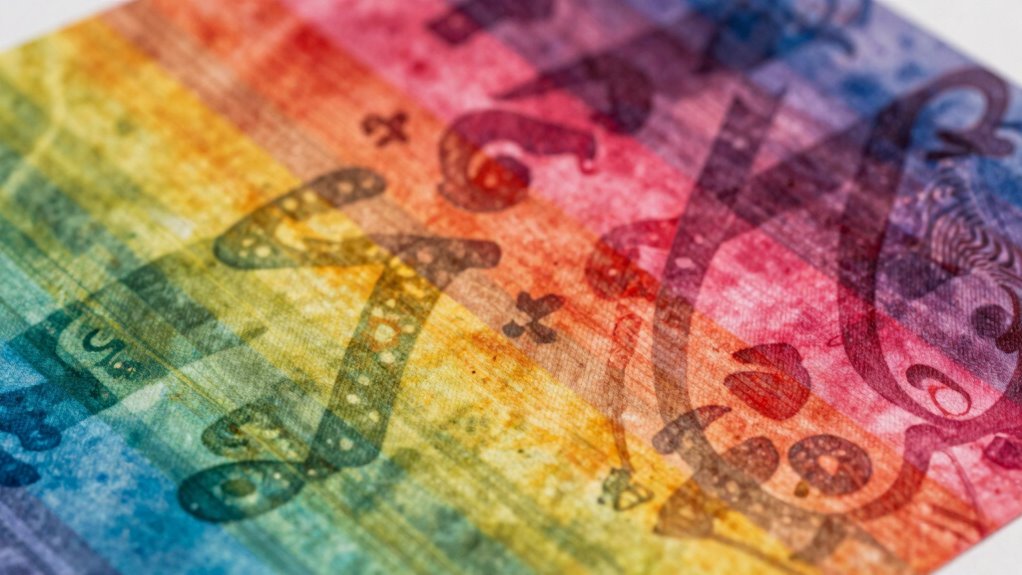

Ghosting on sublimation happens when tiny movements during printing or transfer cause double images or blurriness. These micro-movements can be caused by imbalance in equipment, uneven pressure, temperature fluctuations, or unstable setup. Even small vibrations or misalignments can ruin the sharpness of your design. To avoid this, make certain your printer, heat press, and materials are properly aligned and stable. Keep exploring to discover how to prevent ghosting and achieve perfect transfers.
Key Takeaways
- Tiny movements during printing or paper feed can misalign images, causing ghosting artifacts in sublimation prints.
- Micro-vibrations or shifts in printhead alignment lead to blurred or doubled images, resulting in ghost shadows.
- Maintaining stable equipment, proper calibration, and secure paper placement reduces micro-movements that cause ghosting.
- Regularly checking for and minimizing vibrations during printing helps prevent alignment issues and ghosting effects.
- Proper setup, including consistent pressure and stable environments, ensures minimal tiny movements that can damage sublimation quality.

Hiipoo 580ML Sublimation Ink for Supertank Inkjet Printer ET-2400 ET-2720 ET-2760 ET-2800 ET-2803 ET-2850 ET-3760 ET-4800 ET-15000 Heat Press Transfer on T-Shirt (Autofill/ICC-Free/Anti-UV)
Wide Compatibility: Hiipoo Sublimation Ink Autofill Bottles for ET-2720 ET-2710, ET-2760, ET-3710, ET-3760, ET-4760, ET-2800, ET-2803, ET-2850, ET-4800,…
As an affiliate, we earn on qualifying purchases.
As an affiliate, we earn on qualifying purchases.
What Is Ghosting on Sublimation and Why Does It Happen?

Have you ever noticed faint, unwanted images or patterns appearing on a sublimated item? That’s ghosting, and it often happens because of issues with print resolution and ink saturation. When your print resolution is too low, the image may appear blurry or pixelated, making ghosting more likely. Excessive ink saturation can cause ink to bleed or spread during transfer, creating ghostly shadows around your design. These artifacts occur because the printer struggles to produce sharp, clean images, especially if the settings aren’t optimized. Properly adjusting your print resolution and controlling ink saturation levels help prevent ghosting. Additionally, high-quality sublimation inks and consistent heat press settings are essential to prevent print defects and ensure crisp, vibrant sublimation prints without unwanted ghost images. Maintaining consistent heat press temperature and pressure also plays a crucial role in avoiding ghosting issues. Paying attention to print resolution can significantly improve the clarity of your final product. Ensuring your ink saturation levels are correctly calibrated can further enhance print quality and reduce ghosting risks.

HTVRONT Auto Heat Press 2 – Heat Press Machine for T Shirts with Adjustable Pressure & Higher Heating Height, Heats Up Fast & Evenly Heat Press 15×15 for HTV, Sublimation, Heat Transfer Projects
【Pressure Customization】HTVRONT Auto Heat Press 2 can effectively avoid the situation of insufficient pressure. You can adjust the…
As an affiliate, we earn on qualifying purchases.
As an affiliate, we earn on qualifying purchases.
How Tiny Movements During Printing Cause Ghosting
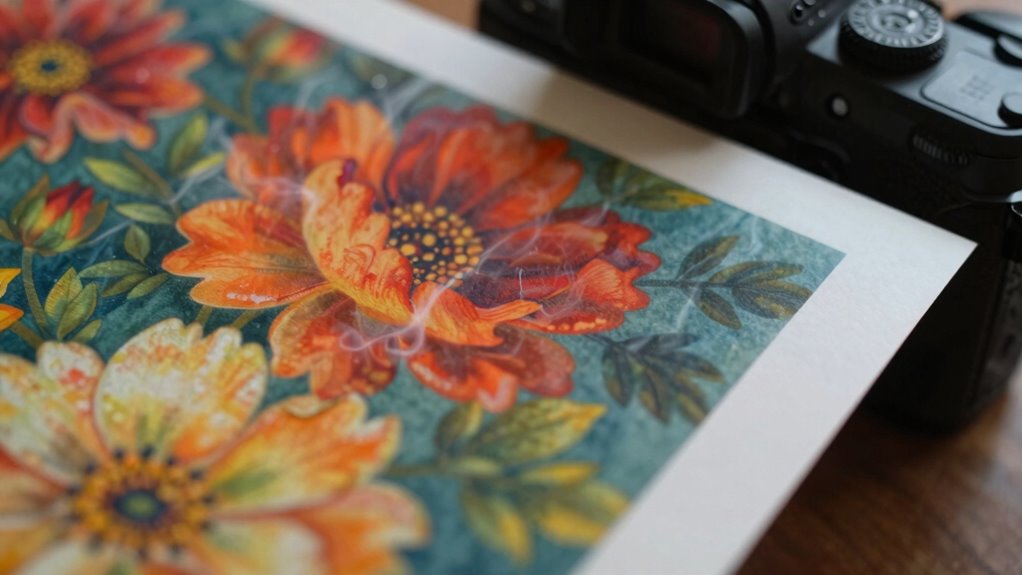
Even the tiniest movements of your printer’s carriage or paper feed can cause ghosting during sublimation printing. Small shifts disrupt the printhead alignment, leading to blurred or doubled images on your final print. These micro-movements can also affect ink flow, causing uneven ink distribution that results in faint shadows or ghost images. If your printhead isn’t perfectly aligned, even slight vibrations can create misregistration, making ghosting more likely. Additionally, inconsistent ink flow from minor movements can lead to uneven saturation, worsening the ghosting effect. To prevent this, ensure your printer is stable, regularly check printhead alignment, and maintain proper ink flow. Incorporating advanced stabilization techniques and understanding the role of nanotechnology in precision manufacturing can further reduce micro-movements and enhance print quality. Maintaining a vibration-free environment is also crucial to achieving sharper, more accurate sublimation prints. Implementing proper maintenance routines can help keep your equipment functioning smoothly and prevent micro-movements caused by wear or misalignment.

Kitclub Heat Press Laser Alignment System, Laser Positioning Tool for T-Shirt & Hat Press. Magnetic Guide for Sewing Machine, DTF, Sublimation. Perfect Placement for Printing & Quilting
Precise Cross Laser Positioning: Projects a clear red cross-line for perfect alignment for Quilting, DTF, sublimation, and heat…
As an affiliate, we earn on qualifying purchases.
As an affiliate, we earn on qualifying purchases.
Common Causes of Sublimation Ghosting: Equipment, Materials, and Setup
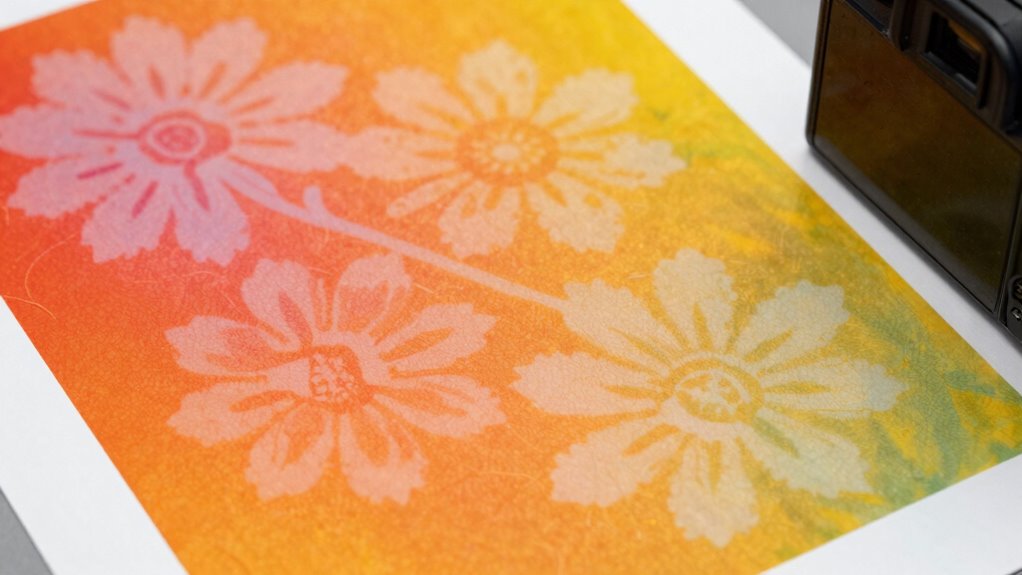
Many factors related to your equipment, materials, and setup can lead to sublimation ghosting. One common cause is incorrect printhead alignment, which causes images to shift slightly during printing, creating ghosting. Ensuring your printhead is properly aligned helps produce crisp, accurate images. Additionally, ink saturation plays a vital role; too much ink can cause excess bleeding and ghosting, while too little can result in dull or faint prints. Using the right materials, such as compatible sublimation papers and heat presses, also matters. Improper setup—like uneven pressure or temperature—can exacerbate ghosting issues. Regularly checking your printer calibration, maintaining consistent ink levels, and optimizing your setup can considerably reduce ghosting and improve print quality. Proper piercing care and hygiene is essential to prevent infections that could compromise equipment or materials used in sublimation processes. Maintaining a clean printhead and proper calibration ensures consistent results and reduces the chances of ghosting. Furthermore, understanding Free Floating techniques can help minimize ghosting by preventing issues caused by excess residual ink or improper paper handling. Additionally, being aware of equipment maintenance routines can help avoid mechanical problems that contribute to ghosting artifacts. Incorporating proper cleaning protocols into your routine can further reduce the likelihood of ghosting caused by debris or dried ink buildup.
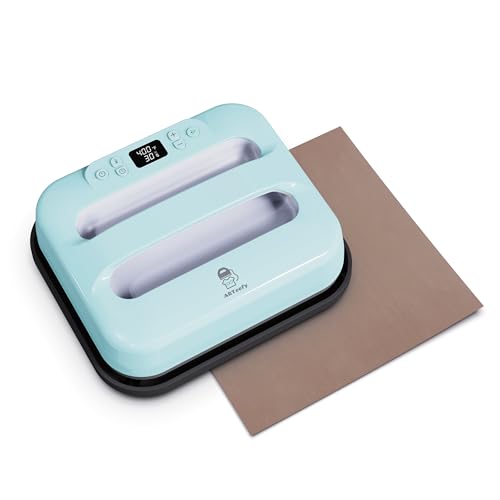
ARTeefy Smart Heat Press Machine 12" x 10" with Bluetooth App Control, Portable Digital Press for T-Shirts and Sublimation, Includes Free Teflon Sheet,Sky Blue
[SMART APP & BLUETOOTH CONTROL] Take the guesswork out of crafting! The ARTeefy HP5 Smart Press connects seamlessly…
As an affiliate, we earn on qualifying purchases.
As an affiliate, we earn on qualifying purchases.
Easy Tips to Prevent Ghosting in Sublimation Prints
To prevent ghosting in your sublimation prints, pay attention to transfer pressure, making certain it’s even and suitable for your material. Keep your temperature consistent throughout the process to avoid uneven ink transfer. Finally, use high-quality printable materials to ensure clean, sharp images without ghosting issues. Monitoring print quality consistency can also help identify and correct issues early, leading to better results. Additionally, understanding proper transfer techniques can significantly reduce the chances of ghosting occurring during your sublimation process, and staying informed about chemistry insights can help optimize your printing methods for clearer, more durable images. Ensuring your equipment maintains consistent network reliability can also help prevent disruptions that might affect print quality. Moreover, selecting the right electric bike models with appropriate power and features can improve your overall printing setup and efficiency.
Use Proper Transfer Pressure
Proper transfer pressure is vital for achieving crisp, vibrant sublimation prints and avoiding ghosting. Too much pressure can cause ink to bleed, while too little results in faint, uneven images. You need to find the right balance through proper print calibration and pressure settings. Consistent transfer pressure ensures even contact between the substrate and transfer paper, preventing areas where the ink might smudge or ghost. Check your press’s pressure gauge regularly and adjust accordingly to match your material’s thickness. Remember, each material may require slightly different pressure, so calibration is key. Applying the correct pressure guarantees sharp details, vivid colors, and a professional finish without ghosting or blurring. Mastering transfer pressure is indispensable for high-quality sublimation results. Proper calibration of your equipment is essential to achieving consistent, high-quality prints, and understanding how to apply optimal pressure can make a significant difference in your final product. Additionally, pressure consistency helps in maintaining uniform images across multiple prints. To further improve results, consider periodically testing and adjusting your pressure settings to accommodate different materials and transfer papers.
Maintain Consistent Temperature
Maintaining a consistent temperature throughout the sublimation process is essential for preventing ghosting and ensuring vibrant, sharp images. Start by checking your print bed leveling regularly, as uneven surfaces can cause temperature fluctuations that lead to ghosting. Keep your heat press at a steady temperature, avoiding sudden changes that could affect ink drying time. If the temperature varies, ink may not set properly, resulting in blurred or ghosted images. Make sure the press reaches and maintains the right temperature before starting your transfer. Also, monitor ink drying time; insufficient drying can cause smudging or ghosting during the heat press, especially if the material is still damp. Consistent temperature control optimizes ink adhesion and image clarity, reducing the risk of ghosting. Additionally, understanding the importance of sound healing science can help you develop techniques for maintaining optimal conditions during printing, ensuring your sublimation results remain clear and professional.
Ensure Quality Printable Material
Using high-quality printable materials is essential for preventing ghosting in sublimation. Start by selecting paper with excellent quality to ensure even ink absorption and transfer. Poor paper quality can cause uneven ink saturation, leading to ghosting or blurry images. Always check that your paper is specifically designed for sublimation to maximize ink retention and color vibrancy. Consistent ink saturation is critical; too little ink results in dull prints, while too much can cause bleeding and ghosting. Use fresh, compatible sublimation ink and adjust your printer settings to match the paper type. Additionally, choosing suitable sublimation paper designed for your specific printer and ink combination can greatly improve print quality. By choosing the right paper quality and managing ink saturation carefully, you create a stable foundation for sharp, vibrant prints free of ghosting issues.
Quick Fixes When Ghosting Appears on Your Prints
Ever wonder how to quickly fix ghosting on your sublimation prints? The key is adjusting ink saturation and ensuring proper paper alignment. First, check your ink saturation—reduce it slightly to prevent excess ink from bleeding through. Second, verify the paper is perfectly aligned in your printer tray; even minor shifts can cause ghosting. Third, run a test print and observe if ghosting persists, indicating whether saturation or alignment needs further tweaking. Fourth, clean your print heads regularly to maintain consistent ink flow. These small adjustments can make a big difference, helping you achieve crisp, vibrant prints free of ghosting. Additionally, understanding your printer’s capabilities can help optimize settings for the best outcomes. Proper printhead maintenance is essential for consistent quality, especially when troubleshooting issues like ghosting. Also, ensuring that your appliance’s power requirements are correctly met can prevent electrical issues that may affect printing equipment.
Maintaining Your Equipment and Materials to Avoid Ghosting
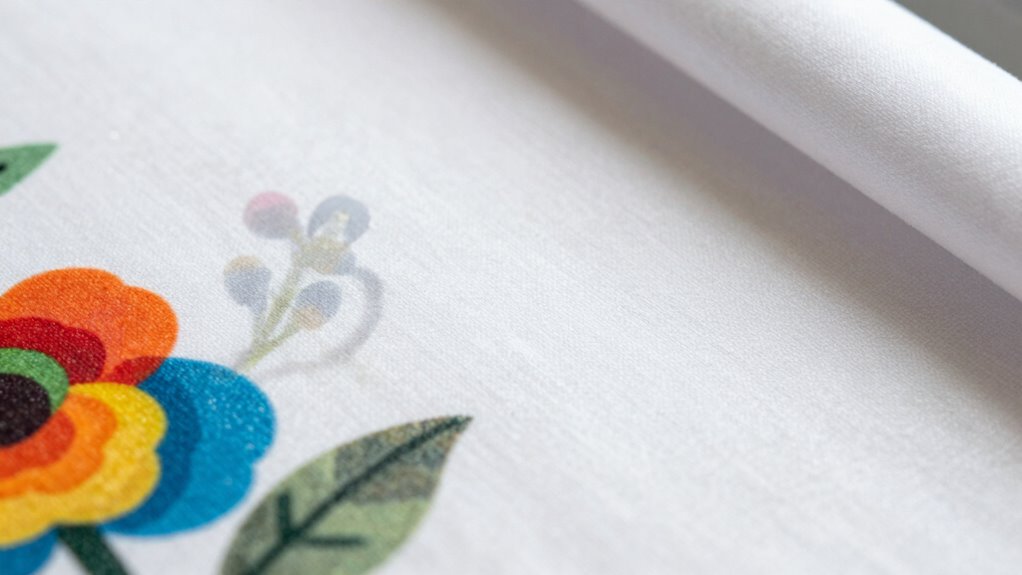
To prevent ghosting, you need to keep your equipment and materials in top shape. Regularly clean your printer and ensure your materials are stored properly to avoid contamination. Also, double-check your printer settings to make sure everything is optimized for the best results.
Regular Equipment Cleaning
Regularly cleaning your sublimation equipment is essential to prevent ghosting and guarantee high-quality prints. When you clean, you assure proper equipment calibration and consistent ink flow. Visualize this process:
- Wipe down the heat press and platens to remove residue that can cause uneven heat distribution.
- Clean the print heads to maintain ink consistency, preventing clogs and color shifts.
- Check and calibrate your printer to ensure accurate color reproduction and proper alignment.
- Clear any dust or debris from rollers and guides to keep the transfer smooth and even.
Proper Material Storage
Proper material storage is essential for preventing ghosting and ensuring your sublimation results remain sharp and vibrant. When you store sublimation papers and blanks correctly, you maintain ideal ink adhesion and preserve color vibrancy. Avoid exposure to moisture, heat, and sunlight, which can distort or degrade your materials. Proper storage keeps your prints crisp and prevents ghosting caused by warped or damaged substrates. Consider organizing your materials in a dedicated, climate-controlled space to protect their quality.
| Environment | Effect on Materials | Result |
|---|---|---|
| Humid | Reduces ink adhesion | Faded, ghosted prints |
| Heat | Warps substrates | Blurred images |
| Sunlight | Fades colors | Loss of vibrancy |
| Moisture | Causes material deterioration | Uneven prints, ghosting |
| Proper Storage | Preserves quality | Sharp, vibrant results |
Monitor Printer Settings
Monitoring your printer settings is essential for preventing ghosting and ensuring consistent, high-quality sublimation transfers. Properly adjusting parameters helps maintain ideal ink saturation and print alignment. To do this effectively, focus on these key areas:
- Check ink saturation levels regularly to prevent over- or under-application, which causes ghosting.
- Verify print alignment before printing to ensure images are correctly positioned.
- Adjust print speed to avoid smudging or misregistration.
- Calibrate your printer’s color profiles for accurate color reproduction and consistent results.
Frequently Asked Questions
Can Ambient Temperature Affect Sublimation Ghosting?
Yes, ambient temperature can affect sublimation ghosting, especially if temperature stability isn’t preserved. Fluctuating temperatures can cause ink formulations to behave unpredictably, leading to uneven transfers and ghosting. To avoid this, keep your workspace consistently controlled, monitor temperature levels, and use equipment that maintains stable heat. This ensures your sublimation process remains smooth, preventing ghosting caused by environmental factors.
Does Humidity Influence Ghosting Issues in Sublimation?
Did you know that humidity levels above 60% can increase ghosting in sublimation prints by over 30%? Humidity impact is significant; high moisture in the air causes ink to spread unevenly, leading to ghosting issues. To prevent this, make certain your workspace has controlled humidity and use dehumidifiers if necessary. Proper humidity management is key to ghosting prevention and achieving crisp, vibrant sublimation results every time.
How Long Should Sublimation Equipment Be Calibrated?
You should calibrate your sublimation equipment regularly, ideally every 3 to 6 months, to maintain ideal print consistency. Regular equipment calibration ensures your printer’s temperature, pressure, and timing are accurate, preventing issues like ghosting. Keep an eye on print quality and recalibrate if you notice inconsistencies or unexpected results. Consistent calibration helps you produce high-quality, vibrant sublimation prints every time.
Are Certain Designs More Prone to Ghosting?
Think of your sublimation prints like watercolor paintings—more intricate designs are more prone to ghosting. Complex designs with fine lines and multiple color layers can cause ink opacity issues, leading to ghosting. When you use highly detailed images, the tiny movements during pressing become more noticeable, making ghosting a bigger risk. So, simpler designs often yield cleaner, more consistent results, especially if your equipment isn’t perfectly calibrated.
Is Ghosting More Common With Specific Sublimation Inks?
Yes, ghosting is more common with certain sublimation inks due to their ink formulation. Poorly formulated inks can cause inconsistent print layering, leading to ghosting issues. When the ink doesn’t adhere properly or dries unevenly, you’ll notice faint images or shadows on your final print. To avoid this, choose high-quality inks designed for sublimation, and guarantee proper print layering techniques to achieve clear, sharp images without ghosting.
Conclusion
To keep your sublimation prints flawless, stay vigilant about tiny movements and equipment setup. Regular maintenance and careful handling are key to preventing ghosting. Remember, a stitch in time saves nine—address issues early before they become bigger problems. By paying attention to detail and following these tips, you’ll enjoy sharp, vibrant prints every time. Don’t let small mistakes haunt your projects; instead, master the process and print with confidence.