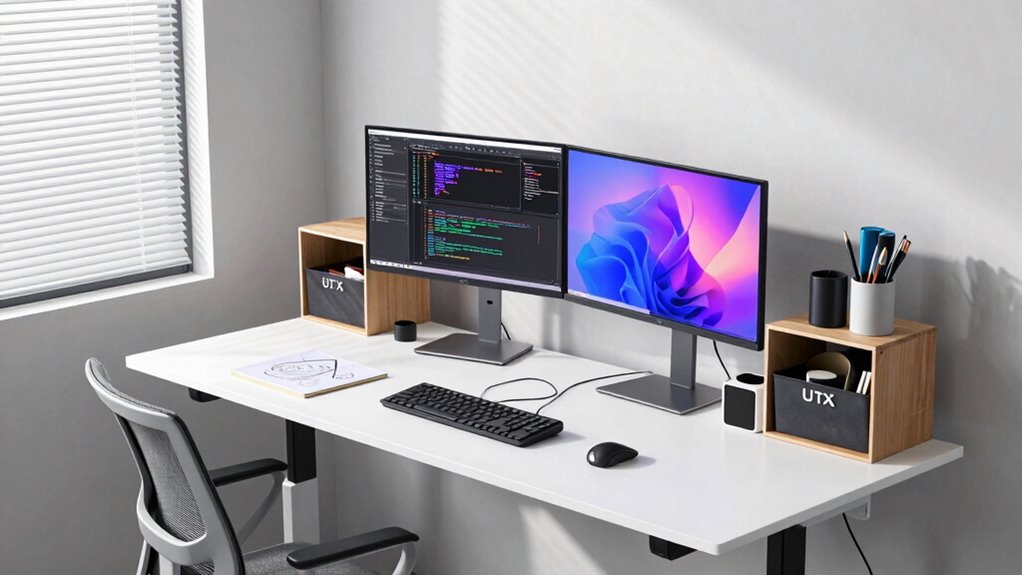

To build a workstation that adapts to your projects, focus on reconfigurable storage like modular shelves and stackable drawers for flexibility. Use ergonomic accessories such as adjustable monitor arms and chairs to support comfort. Incorporate organized cable management to keep things tidy and safe. Plan ahead by leaving space for future upgrades, like additional monitors or hardware. With these tips, you’ll create a versatile, efficient workspace that evolves with your needs—explore further to optimize your setup even more.

Get business pricing on tools and workshop supplies
- Business-only prices and quantity discounts
- Tax-exempt purchasing
- Multiple users, one account, clear invoices
Key Takeaways
- Use modular and reconfigurable storage solutions for easy workspace adjustments.
- Incorporate adjustable ergonomic accessories to accommodate different tasks and postures.
- Plan power and cable management for quick equipment swaps and safety.
- Design with future upgrades in mind, allocating space for additional tools and devices.
- Maintain a clean, flexible layout that allows quick reorganization and enhances productivity.
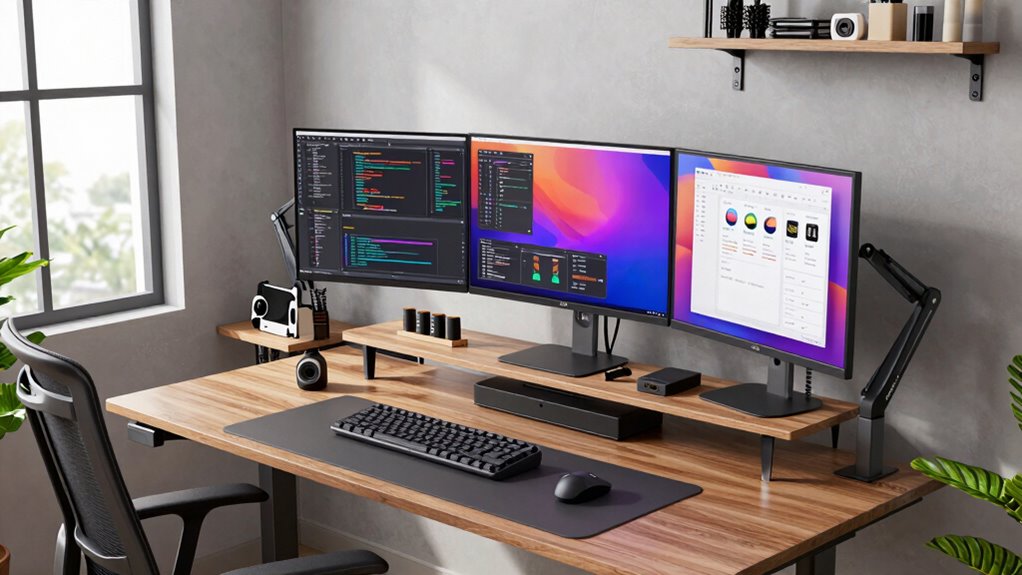
Are you ready to create a custom workstation that meets your specific needs? Building a flexible setup means considering how your workspace can adapt as your projects evolve. The key is designing a foundation that’s both functional and adjustable. Start by thinking about your primary tasks and how they change over time. Do you need more space for large equipment one month and a compact desk the next? Incorporate versatile storage solutions that can be reconfigured or expanded easily, allowing you to keep your workspace organized without clutter. Use modular shelves, stackable drawers, or mobile carts that you can move around as needed. This flexibility ensures your workstation grows with your projects instead of becoming obsolete.
Create a flexible, adaptable workspace with modular storage and adjustable furniture for evolving projects.
Next, focus on ergonomic accessories that support your health and productivity. Adjustable monitor arms, keyboard trays, and ergonomic chairs make a huge difference. When your workstation can be customized to your posture and comfort preferences, you’ll work more efficiently and reduce fatigue. As your projects shift, so can your setup—raising or lowering monitors, repositioning tools, or switching between sitting and standing. These ergonomic accessories enable you to adapt quickly without sacrificing comfort, helping you stay focused on your work. Additionally, understanding Indian currency and number formatting can help you manage your finances more effectively as your projects expand or change.
Designing a workstation that changes with your projects also involves paying attention to power and cable management. As you add new devices or peripherals, messy cables can become a distraction or a safety hazard. Incorporate cable organizers, clips, or under-desk trays to keep everything tidy. This way, when you need to swap out equipment or reconfigure your layout, you won’t get tangled in cords or waste time untangling clutter. Moreover, implementing cable management techniques can significantly improve the overall safety and efficiency of your workspace. Maintaining a well-organized setup not only enhances safety but also boosts productivity by making tools and devices more accessible. Regularly evaluating your workspace layout can help identify potential clutter or inefficiencies before they become problematic.
Another important aspect is planning for future upgrades. Leave room for additional hardware or tools that you might need later. For example, allocate space for extra monitors or peripherals, or select a desk with adjustable height options. When your projects demand more processing power or screen space, your setup should accommodate those needs without requiring a complete overhaul. Thinking ahead about future-proofing your workstation can save you time and money as your needs evolve.
Finally, remember that your workstation should inspire creativity and efficiency. Use a clean, organized layout that encourages movement and easy access to your most-used tools. Regularly reassess your setup as your projects change, and don’t hesitate to make adjustments. With flexible storage solutions, ergonomic accessories, and thoughtful planning, you create a workspace that adapts seamlessly to your evolving needs, keeping you productive and comfortable no matter what your projects demand.
As an affiliate, we earn on qualifying purchases.
Frequently Asked Questions
What Budget Should I Allocate for a Flexible Workstation?
You should allocate around $1,000 to $2,000 for a flexible workstation, depending on your needs. This price range allows you to invest in high-quality components with good compatibility, ensuring future upgrades are seamless. Prioritize a solid CPU, ample RAM, and a versatile motherboard. Staying within this budget helps balance performance and flexibility, so your workstation can evolve with your projects without breaking the bank.
How Do I Future-Proof My Workstation for Upcoming Technology?
Sure, just wish for a crystal ball and hope your hardware compatibility and software scalability stay ahead of the tech curve. To future-proof your workstation, pick high-quality, upgradeable components, prioritize a versatile motherboard, and choose a power supply that can handle future upgrades. Keep an eye on upcoming tech trends, and invest in adaptable storage solutions. Basically, build a system that laughs at obsolescence, and you’ll be set for the long haul.
Can I Upgrade My Workstation Components Later Easily?
Yes, you can upgrade your workstation components later easily if you pay attention to component compatibility and upgrade pathways. Choose a motherboard and power supply that support future upgrades, like additional RAM slots or PCIe slots. Opt for a CPU socket that’s compatible with upcoming processors. This way, you create a flexible setup that allows you to swap or add parts without major overhauls, keeping your workstation future-proof and adaptable.
What Are the Best Space-Saving Solutions for a Versatile Setup?
You should opt for modular furniture that adapts to your space and needs, allowing you to reconfigure your setup easily. Incorporate collapsible accessories like fold-away desks or stackable storage to maximize space when not in use. These solutions keep your workspace versatile and clutter-free, making it simple to transform your area for different projects. With modular and collapsible options, you create a flexible environment that grows with your workflow.
How Do I Ensure Ergonomic Comfort Across Different Project Types?
To guarantee ergonomic comfort across different project types, you should invest in ergonomic accessories like adjustable keyboard stands and supportive chair cushions. Use adjustable furniture, such as height-adjustable desks and flexible monitor arms, so you can easily customize your setup. Regularly change your posture and take breaks, preventing strain and fatigue. These adjustments help you stay comfortable and productive, regardless of the project’s demands.
Conclusion
Building a flexible workstation means you’re ready for any project that comes your way. Imagine having a setup that adapts as swiftly as your ideas evolve—like a car shifting gears seamlessly. Did you know that 70% of professionals say their workstation directly boosts productivity? By customizing and upgrading your space, you not only keep pace with your projects but also turn your workspace into a powerhouse of creativity and efficiency.
Columbus Day / Indigenous Peoples' Day Picks
long weekend sales
As an affiliate, we earn on qualifying purchases.