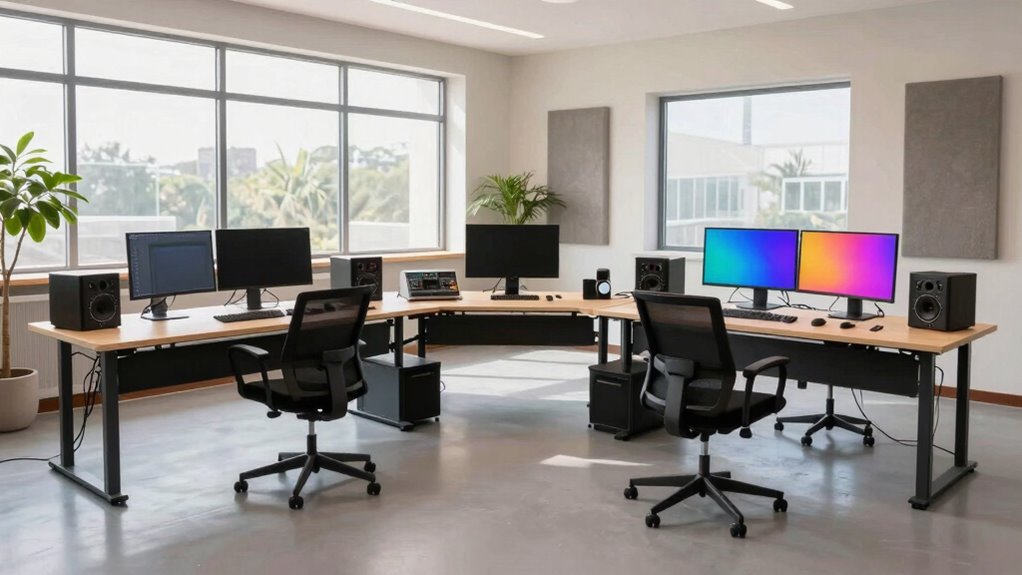

To build a multi-machine studio without chaos, organize your space by placing frequently used equipment within arm’s reach and storing less-used gear higher up. Manage cables with sleeves and ties to prevent tangling and clutter. Create designated zones for editing, recording, and mixing, based on your workflow, and leave room for future upgrades. Keep your workspace clean and adaptable, so your setup remains efficient as your needs grow. Want to discover key tips to streamline your studio?

Get business pricing on tools and workshop supplies
- Business-only prices and quantity discounts
- Tax-exempt purchasing
- Multiple users, one account, clear invoices
Key Takeaways
- Design a logical layout aligning equipment with typical workflow stages to minimize unnecessary movement and streamline transitions.
- Implement effective cable management systems to prevent clutter and ensure quick, safe access to all machines.
- Allocate dedicated zones for different tasks like recording, editing, and mixing to enhance organization and focus.
- Use adjustable, modular furniture and vertical storage to accommodate future upgrades without disrupting the current setup.
- Regularly declutter and review equipment placement for efficiency, scalability, and maintaining a smooth workflow.
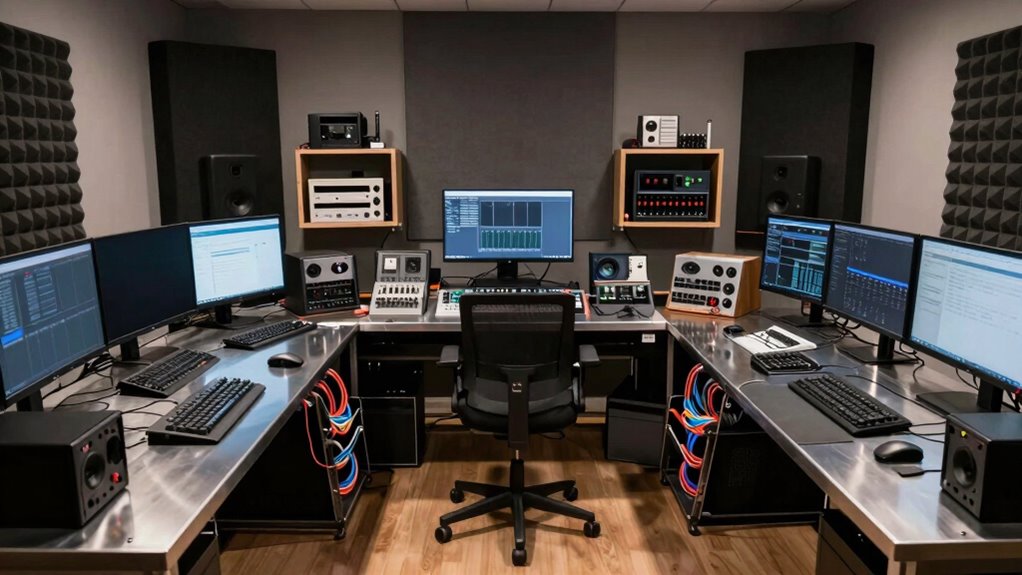
Setting up a multi-machine studio can boost your productivity, but without proper planning, it often leads to workflow chaos. To prevent this, you need to carefully consider your equipment setup from the start. Think about the types of machines you’ll use regularly and how they interact within your workspace. Position your equipment in a way that minimizes unnecessary movement and makes it easy to access essential tools. For example, place your main workstation and frequently used equipment within arm’s reach, while less-used gear can be stored on higher shelves or in designated cabinets. Cable management is also essential—use cable trays, zip ties, or cable sleeves to keep cords organized and out of the way, reducing clutter and potential hazards.
Space optimization plays a key role in maintaining an efficient workflow. You want to maximize your available area without cramping your movement. Start by measuring your space carefully, then plan your setup on paper or with design software. Allocate zones for different activities—such as editing, recording, or mixing—so you can switch tasks seamlessly. Keep your primary work area clear of unnecessary items, and consider vertical storage options like wall-mounted shelves or pegboards to free up surface space. When arranging your equipment, prioritize a logical flow that mimics your work process. For example, if you record audio first, set up your microphone and recording gear near your soundproof area, then position your editing console nearby for quick access. Additionally, thinking about equipment interaction can help you design a more cohesive and efficient workspace. Incorporating workflow planning into your setup can further streamline your process and reduce potential bottlenecks.
Lastly, think about future growth. Leave room for additional equipment or upgrades so your studio can evolve without needing a complete overhaul. Incorporate adjustable stands or modular furniture that can be moved or expanded as your needs change. Good space optimization also involves decluttering regularly and keeping only the tools and gear you actively use at hand. This can be achieved by considering workspace ergonomics and ensuring your setup supports a smooth workflow, preventing your workspace from becoming overwhelmed, which can slow down your process.
multi-machine studio desk with cable management
As an affiliate, we earn on qualifying purchases.
As an affiliate, we earn on qualifying purchases.
Frequently Asked Questions
What Are the Essential Tools for a Multi-Machine Studio?
You need essential tools that optimize workflow and guarantee equipment compatibility. Invest in a robust network switch and reliable cabling to connect multiple machines seamlessly. Use synchronization software to coordinate tasks efficiently, and consider a central control system for streamlined management. Power supplies and backup systems help prevent disruptions. These tools create a smooth, organized environment, allowing you to focus on your work without workflow chaos or compatibility issues.
How Do I Manage Power Distribution Safely?
Imagine you’re running a busy studio, and a power surge threatens your equipment. To manage power distribution safely, install circuit breakers strategically to prevent overloads, especially near high-draw devices. Use surge protectors to guard against power surges. Regularly check wiring and circuit breaker placement to make certain they’re up to code. This approach minimizes risks, keeps your studio running smoothly, and protects your valuable gear from unexpected electrical issues.
What Are the Best Space-Saving Storage Solutions?
You should opt for creative shelving that maximizes vertical space, like wall-mounted units or modular racks. Incorporate smart cable management solutions to keep cords organized and out of the way, freeing up more room. Use stackable bins or under-desk drawers to store smaller items efficiently. These space-saving storage solutions help you stay organized, improve workflow, and maintain a tidy studio environment without sacrificing essential equipment or accessibility.
How to Ensure Proper Ventilation and Cooling?
Think of your studio as a bustling city needing clean air flows. To guarantee proper ventilation, you should optimize airflow by installing exhaust fans and strategically placing vents. Use cooling technology like air conditioning units or portable fans to keep temperatures stable. Regularly check and clean filters, and position equipment to promote air circulation. This way, your studio remains an efficient, comfortable environment, preventing overheating and maintaining productivity.
What Security Measures Are Recommended for Multiple Machines?
You should implement robust network security by using firewalls, strong passwords, and encrypted connections to protect your multiple machines. Access control is essential—restrict user permissions to only what’s necessary and use multi-factor authentication for added security. Regularly update your software, monitor network activity, and keep a detailed log of access. These measures help prevent unauthorized entry, safeguarding your studio’s assets and maintaining a secure, efficient workflow.
Conclusion
So, you’ve built this sleek multi-machine studio, carefully avoiding chaos—only to realize that now, every task has its own shiny device. Ironically, your ‘organized’ setup might turn into a digital jungle, where finding the right cable or file feels like a treasure hunt. But hey, at least you’ll have plenty of “tools” to keep you busy and entertained as you navigate this beautifully chaotic, high-tech maze. After all, isn’t chaos the new creativity?
Fall Picks
fall essentials
As an affiliate, we earn on qualifying purchases.