Choosing between raster and vector files is essential for top laser results. Raster images work well for detailed, colorful designs but can pixelate when resized, while vectors are perfect for precise cuts and scalable lines without loss of quality. Your project’s complexity, detail, and desired finish determine which file type suits best. Continue exploring, and you’ll discover how to optimize your files for flawless laser engraving and cutting.
Key Takeaways
- Vector files provide scalable, precise paths ideal for clean cuts and detailed engravings without quality loss.
- Raster images excel at color blending and subtle gradations but may pixelate when resized, affecting laser detail.
- Choosing vector formats (e.g., SVG, AI) enhances cutting speed and accuracy, while raster formats (e.g., PNG, JPEG) are better for photo-realistic images.
- Proper file optimization, including resolution and color profile management, is crucial for achieving optimal laser results.
- Matching file type to project complexity, design detail, and laser machine capabilities ensures the best quality and efficiency.
What Are Raster and Vector Files, and How Do They Differ?
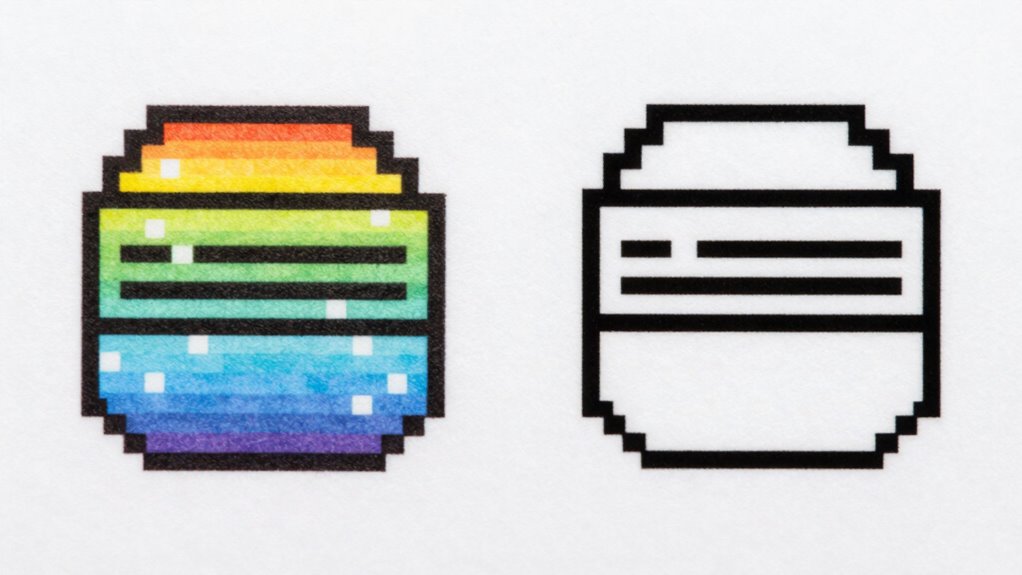
Raster and vector files are two fundamental types of digital images used in various design and editing applications. Raster files are made up of pixels, meaning their quality depends on resolution, which can be affected by file compression. When you resize raster images, they often lose clarity. Vector files, on the other hand, use mathematical formulas to define shapes, making them scalable without quality loss. They work well with clean lines and solid colors. Color profiles help guarantee consistent colors across devices, especially important for raster images. Understanding these differences helps you choose the right file type for your project, securing ideal quality and performance. Whether you’re working with detailed photos or simple logos, knowing how raster and vector files differ is key to achieving the best results. European cloud innovation emphasizes the importance of sustainable and secure solutions in digital workflows. Additionally, selecting the appropriate file type can impact file compatibility with various software and hardware platforms, ensuring smoother workflows.
How Do Raster and Vector Files Affect Laser Engraving and Cutting Quality?
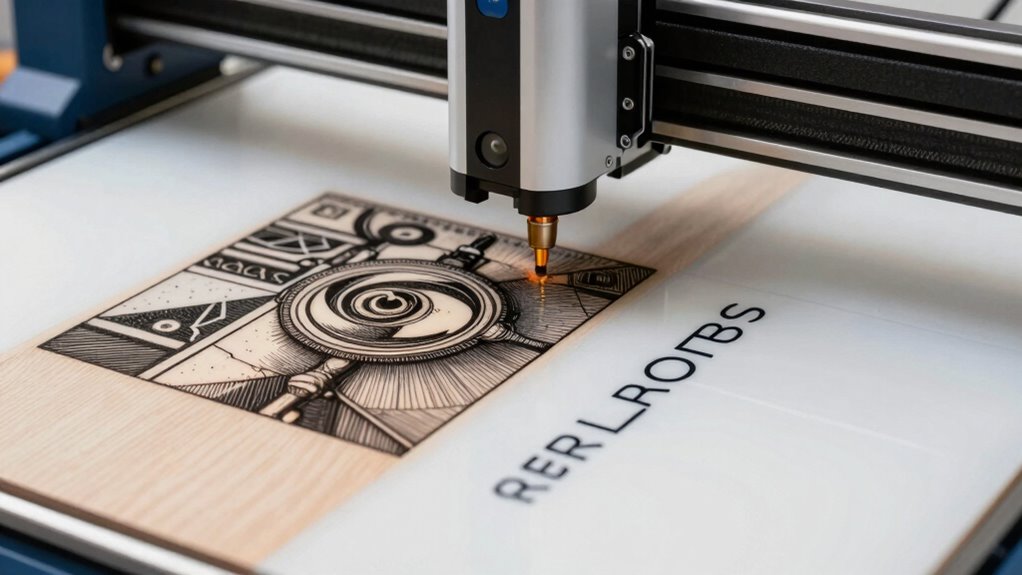
Your choice between raster and vector files directly impacts the quality of laser engraving and cutting. Resolution and detail determine how sharp and precise your design appears, while color and gradient handling influence the final visual effect. Additionally, cutting precision and speed depend on the file type, affecting how efficiently your project turns out.
Resolution and Detail
Because resolution and detail directly impact the quality of laser engraving and cutting, understanding how raster and vector files handle these aspects is essential. Raster images rely on image resolution and color depth to determine detail; higher resolution means sharper, more precise engravings, while low resolution results in pixelation. Vector files, however, use mathematical paths, making them resolution-independent and capable of scaling infinitely without loss of detail. This means your designs stay crisp regardless of size. For intricate designs requiring fine detail, vectors excel. Raster images are better suited for photo-realistic images with complex color gradations, but they need higher resolution to maintain clarity. Choosing the right file type based on resolution and detail needs ensures your laser results are sharp and accurate.
Color and Gradient Handling
Understanding how color and gradients are handled in your files is essential for achieving high-quality laser engraving and cutting. Raster images excel at color blending, allowing smooth progressions and rich gradations that enhance visual depth. When you work with raster files, gradient accuracy is typically high, making them ideal for detailed shading and photographic effects. In contrast, vector files use solid color fills and sharp lines, which can limit gradient smoothness but offer precise control over color boundaries. If your design relies on subtle color shifts or complex gradient blending, raster formats are generally better. However, for crisp, well-defined edges with minimal color variation, vectors can deliver sharp results. Choosing the right format impacts how well your project captures color nuances and gradient progressions during laser processing.
Cutting Precision and Speed
Vector files generally enable faster and more precise laser cuts because their clean, defined lines allow the laser to follow exact paths without unnecessary movement. This enhances cutting speed and accuracy, especially on materials like wood, acrylic, and metal, where precision matters. Compatibility with your laser software is essential; well-optimized vector files integrate seamlessly, reducing errors and optimizing performance. Raster files, with their pixel-based design, are less efficient for cutting, often requiring slower speeds and multiple passes to achieve quality results. When choosing between raster and vector, consider your material compatibility and how well your software handles each file type. For sharp, clean cuts, vector files are usually the best choice, maximizing both speed and quality in your laser projects.
Why Are Vector Files Better for Precise Laser Cutting?
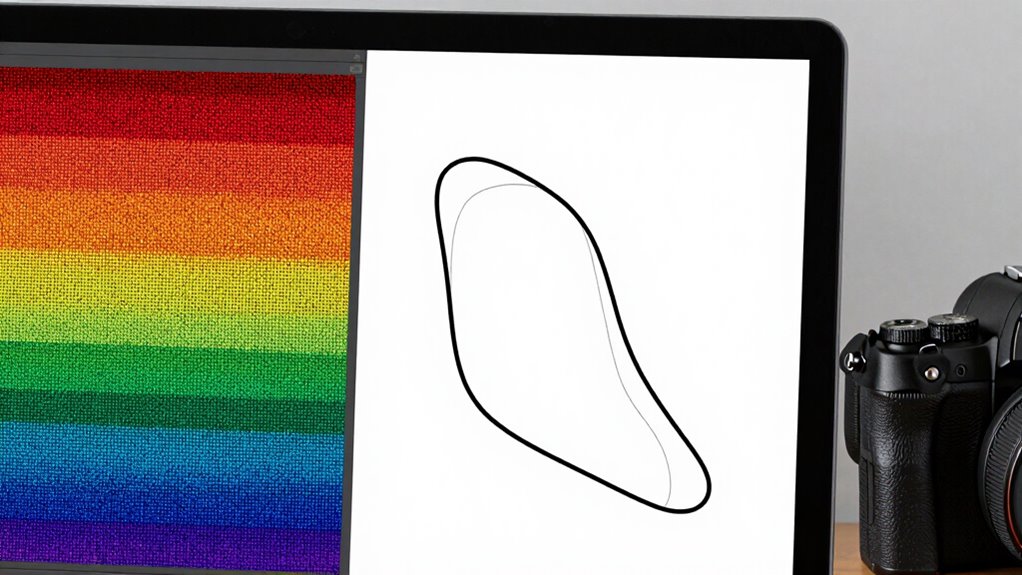
Vector files provide sharp edge precision, ensuring your cuts are clean and accurate. They also follow consistent cut paths, reducing errors and material waste. This makes them the better choice when precision is a top priority for laser cutting projects. Additionally, understanding color accuracy can help optimize the visual outcome of your designs when projected or displayed.
Crisp Edge Precision
Because laser cutting relies on precise paths, vector files are naturally better suited for achieving crisp edge accuracy. Unlike raster images, vectors use mathematical equations to define lines and curves, ensuring clean, sharp edges every time. This precision means your cuts will be smooth, with no pixelation or blurring. Additionally, vector files are less affected by issues like file compression, which can distort image details, and they don’t depend on color profiles that could alter how the design is interpreted. This consistency guarantees that your laser cutter follows the exact paths you intend, resulting in sharp, professional edges. When accuracy matters, vectors provide the control and clarity needed to achieve perfect, crisp edges on every project.
Consistent Cut Paths
When it comes to achieving precise laser cuts, consistent cut paths are essential. Vector files excel here because they define paths mathematically, ensuring smooth, repeatable cuts. This consistency depends on several factors:
- File compatibility: Vector formats like SVG or AI maintain uniform paths across different machines, reducing errors.
- Software compatibility: Vector files integrate seamlessly with laser software, allowing precise adjustments without losing accuracy.
- Path accuracy: Unlike raster images, vectors trace clean, continuous lines, minimizing deviations during cutting.
Which File Format Should You Use for Different Laser Projects?
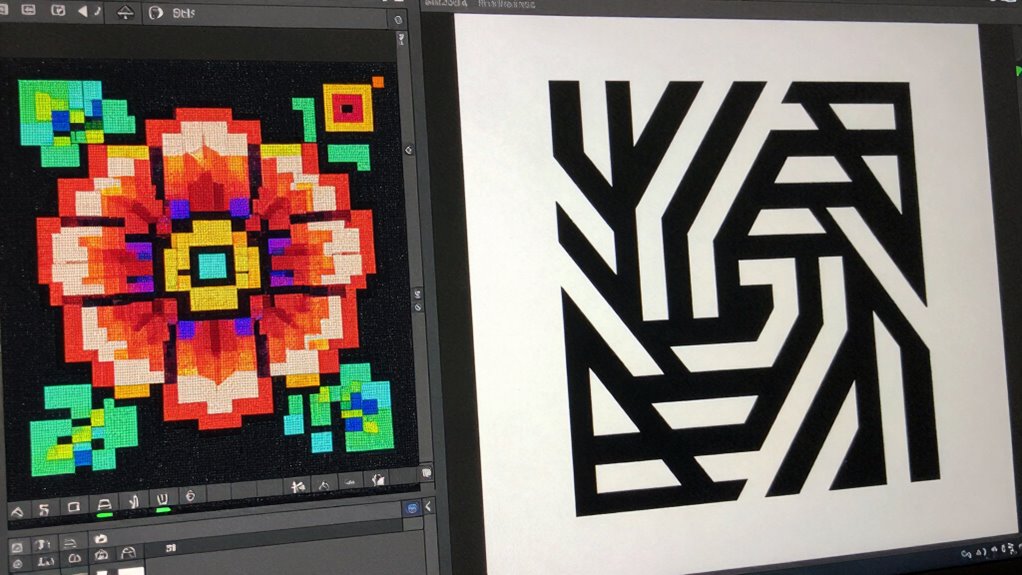
Choosing the right file format for your laser projects depends on the specific requirements and complexity of the design. For simple line art or logos, vector formats like SVG or AI are ideal because they support scalable images with precise cut paths. These formats handle color management well, ensuring consistent results across devices. If your project involves detailed images or photographs, raster formats like PNG or JPEG might be necessary, but keep in mind they require careful handling of file compression to avoid loss of detail. Vectors are often preferred for their smaller file sizes and flexibility, while raster files can become large and less manageable. Always consider how your design’s complexity and color needs influence your choice to ensure suitable laser engraving or cutting outcomes.
How Can You Convert Raster Files to Vector (and Vice Versa) for Laser Work?
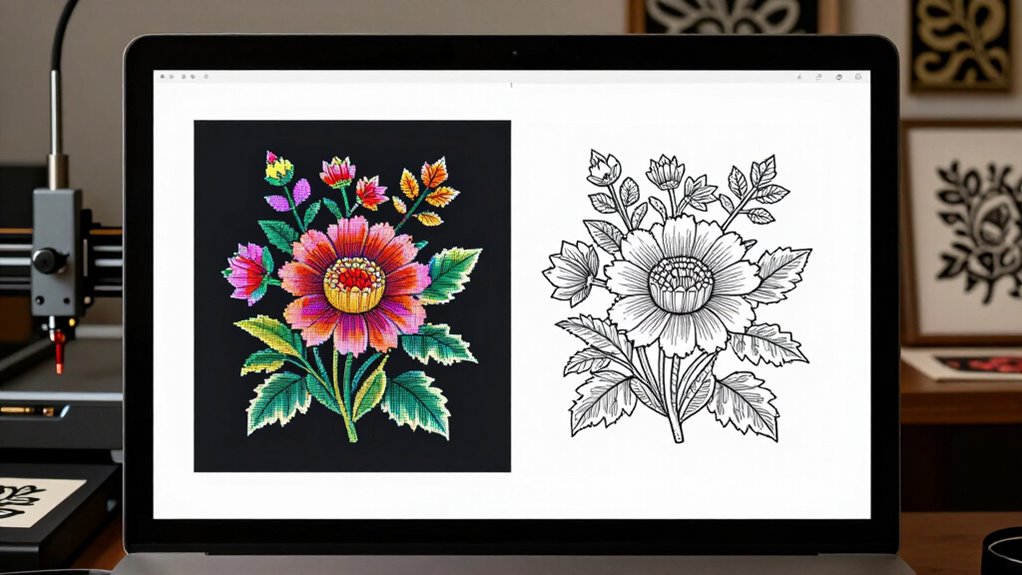
Converting raster files to vector or vice versa is a common step in preparing designs for laser work, and understanding the process can save you time and improve results. To do this effectively, you’ll rely on file conversion techniques using software tools tailored for this purpose.
Here are three ways to convert files:
- Use vectorization software like Adobe Illustrator or Inkscape to trace raster images into scalable vectors.
- Employ bitmap editors to clean up or simplify raster images before conversion.
- Apply dedicated conversion tools or online services that automate file conversion between raster and vector formats.
Mastering these methods guarantees your designs are optimized for laser precision, making your workflow smoother and more efficient.
Common Mistakes to Avoid When Choosing Between Raster and Vector Files
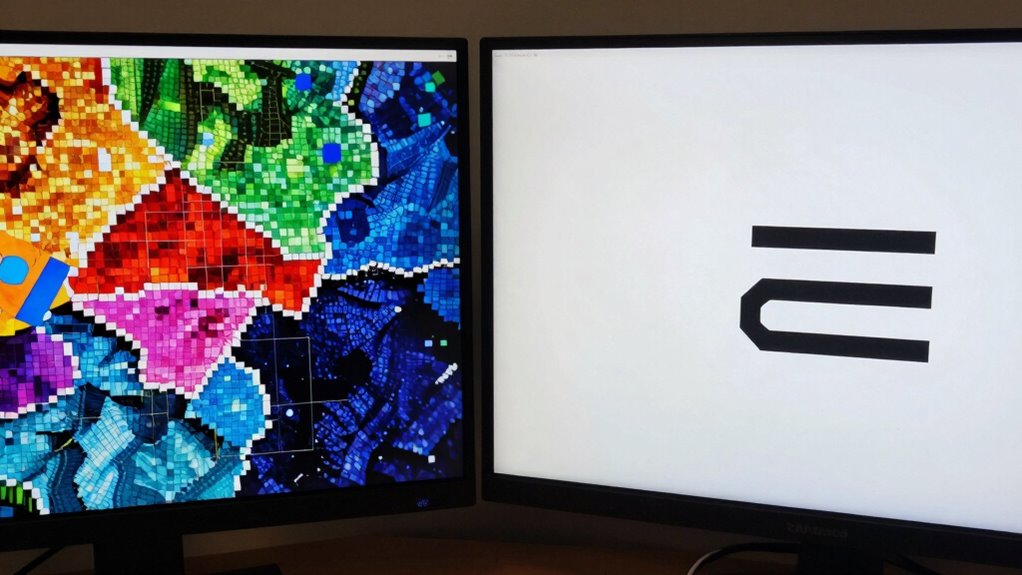
Selecting the right file type is key to achieving accurate laser results, but many people make mistakes that can compromise their project. One common error is neglecting proper file compression, which can lead to unnecessarily large files that slow down processing or cause errors. Another mistake is ignoring color profiles, resulting in color inaccuracies that affect your final outcome. Using raster files without considering their resolution can produce blurry or pixelated results. Conversely, choosing vector files with complex details might cause issues if your laser equipment isn’t equipped to handle intricate paths. Always verify your files are optimized for laser work by managing compression settings and embedding correct color profiles. Additionally, understanding the different file formats and their capabilities helps prevent compatibility issues. Properly managing file resolution and ensuring compatibility with your equipment can greatly improve your project’s accuracy. It’s also important to assess your device’s capabilities to select the most suitable file type for your specific laser machine. Avoid these pitfalls to ensure your laser projects turn out precise and professional.
How to Choose the Right File Format to Achieve Your Laser Project Goals
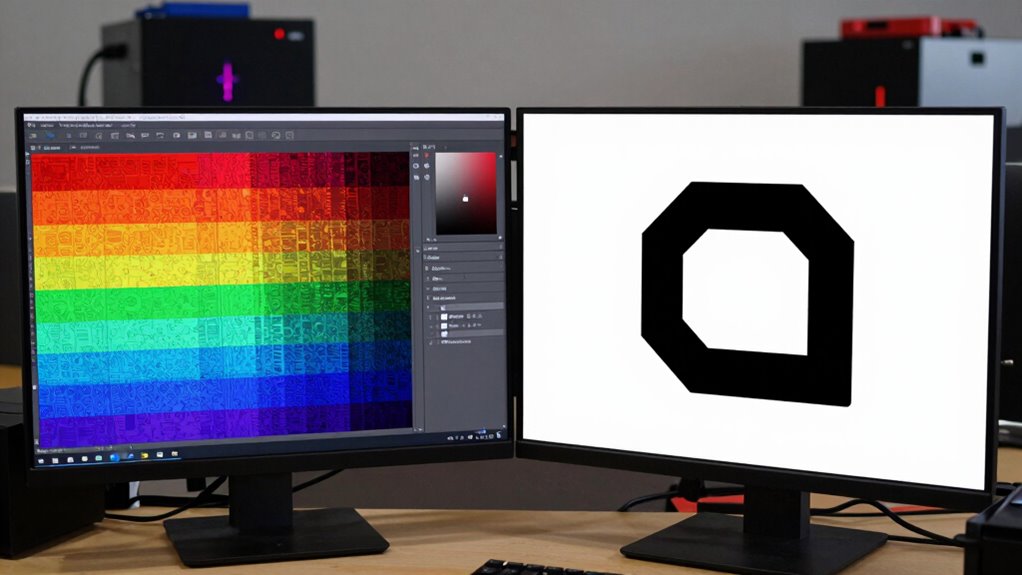
To achieve the best results in your laser projects, it’s vital to pick the right file format based on your specific goals. Consider these factors:
- Project Detail & Quality: Choose vector files for sharp, scalable designs; raster files for photo-realistic images.
- File Compression & Size: Opt for formats with efficient compression to manage file size without sacrificing quality, especially if storage is limited.
- Software Compatibility: Confirm your laser software supports your chosen format to avoid conversion issues or quality loss.
Matching your file format to your project needs ensures precision and efficiency. Proper selection minimizes issues during cutting or engraving, saving you time and material. Remember, the right format aligns with your goals and your machine’s capabilities.
Frequently Asked Questions
Can Raster and Vector Files Be Used Together in a Single Project?
Yes, you can use raster and vector files together in a single project, but you might face file compatibility and editing challenges. Combining these formats allows you to leverage the strengths of each, like detailed images and scalable graphics. Just guarantee your software supports both, and be prepared for potential editing difficulties, especially when aligning or converting between formats. Proper planning helps you achieve seamless integration and ideal laser results.
What Software Is Best for Creating or Editing Raster and Vector Files?
You should use software like Adobe Photoshop for photo editing and raster image manipulation, while Adobe Illustrator excels at vector design. For combining both, Adobe Creative Cloud offers seamless integration, making it easier to switch between raster and vector files. CorelDRAW and Affinity Designer are also excellent options, providing robust tools for creating, editing, and managing both raster and vector projects, ensuring your laser results are precise and professional.
How Do File Size and Complexity Impact Laser Processing Speed?
File size and complexity directly impact your laser processing speed. Larger, more complex files take longer to process, reducing efficiency. To improve processing efficiency, you can use file compression to reduce size without losing detail, especially with raster images. Keep files optimized by simplifying intricate designs, which helps your laser machine work faster and more accurately, saving time and ensuring high-quality results.
Are There Industry Standards for File Formats in Laser Engraving?
You’ll find that industry standards for file formats in laser engraving emphasize compatibility and precision. Common formats like SVG, DXF, and AI are widely accepted because they guarantee your designs transfer seamlessly to various machines. Sticking to these standards helps avoid errors, saves time, and guarantees consistent results. Embracing these industry standards means your creativity flows smoothly, and every project feels more like a masterpiece than a challenge.
How Do Color and Layer Settings Influence Laser Results?
Color calibration and layer management directly impact your laser results. When you calibrate colors accurately, your laser engraves or cuts with consistent intensity, ensuring your design looks as intended. Managing layers helps you organize different engraving or cutting depths, preventing overlaps and errors. By paying attention to these settings, you control the precision and quality of your project, making sure every detail is just right and achieving professional results every time.
Conclusion
So, next time you pick your file type, remember—your laser’s precision depends on it. You’d think choosing between raster and vector was simple, but surprisingly, it’s the key to flawless results. Irony? The perfect cut or engraving often hinges on doing the exact opposite of what feels intuitive. So, trust the tech, pick wisely, and let your laser do the heavy lifting—after all, it’s the file that really makes the difference.