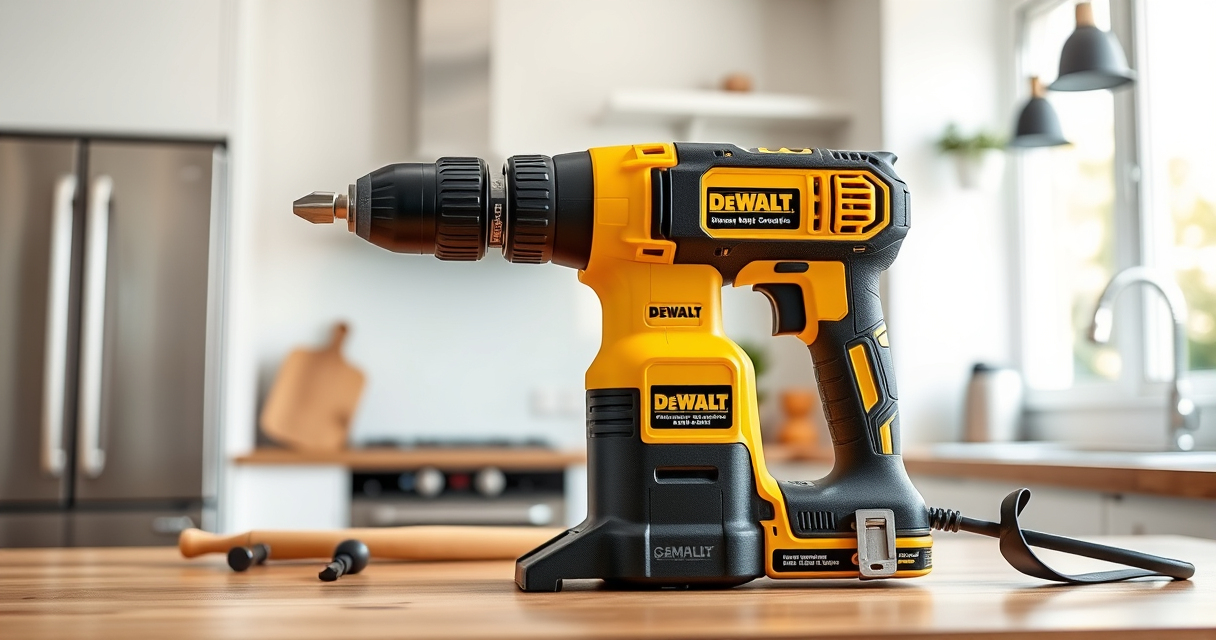

Getting your new DEWALT 20V MAX Cordless Drill Driver up and running is straightforward when you follow proper setup procedures. This guide provides clear, step-by-step instructions to ensure your tool is safe, effective, and ready for your projects.

Get business pricing on tools and workshop supplies
- Business-only prices and quantity discounts
- Tax-exempt purchasing
- Multiple users, one account, clear invoices
Whether you’re a DIY enthusiast or a professional, proper setup helps maximize performance and longevity of your DEWALT drill. Let’s walk through the process together.
Key Takeaways
| Battery Compatibility | Use only the approved DEWALT 20V MAX batteries for best performance. |
| Safety First | Always wear eye protection and work in a well-lit area. |
| Proper Assembly | Ensure the drill bit is securely tightened in the chuck. |
| Initial Charging | Charge the battery fully before first use for optimal runtime. |
| Using the LED Light | Activate the LED for better visibility in tight or dim spaces. |
Unboxing and Inspecting Your Drill
- Carefully remove the drill and accessories from the packaging.
- Check that all components are present: drill, battery, charger, and manual.
- Inspect the drill for any visible damage or defects.
Charging the Battery
- Insert the DEWALT 20V MAX battery into the charger.
- Plug in the charger and wait for the LED indicator to turn green, confirming full charge.
- Remove the battery and let it cool for a few minutes before use if hot.
Installing the Battery
Align the battery with the base of the drill, then slide it in until it clicks into place. Ensure it is securely attached before operating.
Inserting and Securing the Drill Bit
- Loosen the single-sleeve ratcheting chuck by turning it counterclockwise.
- Insert your chosen drill bit, ensuring the shank is fully seated.
- Turn the chuck clockwise to tighten securely. Use the chuck key if necessary.
Powering On and Using Your Drill
Press and hold the trigger to power the drill. Use the 2-speed transmission as needed for your task. Engage the LED light for better visibility in dark spaces.
Always start with a lower speed for precision and increase as needed for tougher tasks.