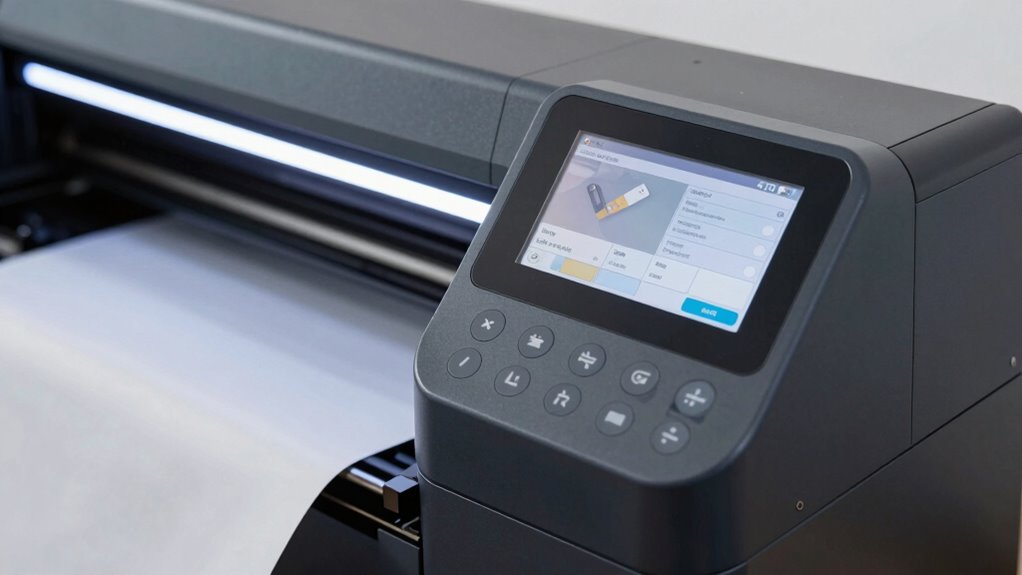

Before buying a print-then-cut machine, check its compatibility with your preferred materials, like paper, vinyl, or fabric, and verify maximum thickness to avoid issues. Make certain the machine integrates smoothly with your design software, such as Adobe Illustrator or Silhouette Studio, for easier workflows. Confirm it offers precise calibration and reliable registration marks for clean cuts, and consider its connectivity options—USB, Wi-Fi, or Ethernet—for flexible setup. Also, review the warranty, support, and accessories to guarantee long-term satisfaction. Keep these points in mind to choose the best machine for your needs.
Key Takeaways
- Verify material compatibility, including maximum thickness and suitable surfaces, to prevent handling issues.
- Ensure software integration with your preferred design tools for smooth workflow.
- Check calibration features and registration accuracy for precise cuts.
- Confirm available connectivity options (USB, Wi-Fi, Ethernet) for flexible workspace setup.
- Review support, warranty, and accessories to ensure long-term reliability and service.
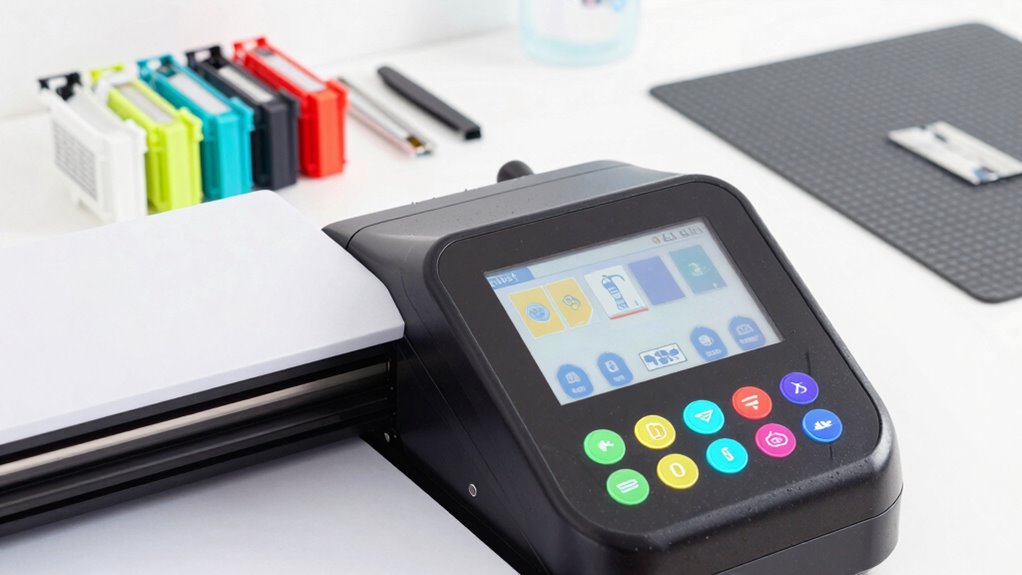
If you’re contemplating a new print-then-cut machine, it’s important to evaluate your specific needs before making a purchase. One of the first things to consider is material compatibility. Different machines handle various materials with varying degrees of success. Think about what types of projects you typically work on—whether it’s paper, cardstock, vinyl, or specialty materials like fabric or leather. Some machines are optimized for light materials, while others can handle thicker or more textured surfaces. Ensuring the machine you choose supports the materials you plan to use is critical to avoid frustration and wasted investment. Check the manufacturer’s specifications to see the maximum material thickness and recommended materials, and compare those with your project needs.
Evaluate material compatibility to ensure your machine supports your project types and avoid costly mistakes.
Another key aspect is software integration. Your print-then-cut workflow relies heavily on the software that controls your machine, so you want a system that integrates seamlessly with your existing design tools. Look for machines that are compatible with popular design software like Adobe Illustrator, CorelDRAW, or dedicated programs like Cricut Design Space or Silhouette Studio. Ease of integration means fewer hiccups during setup and more efficient workflows. It’s also worth verifying whether the software offers features like auto-tracing, registration mark detection, and printable cut options, which can streamline your projects and improve accuracy. Additionally, understanding the software compatibility of the machine can help you avoid potential frustrations down the line.
Beyond compatibility, think about the machine’s precision and calibration features. Accurate registration marks are essential for clean cuts, especially if you’re working with intricate designs or multiple layers. Check if the machine offers easy calibration or advanced sensors that enhance cutting accuracy. A machine with reliable registration ensures your designs align perfectly every time, saving you time and materials. Additionally, understanding the machine’s material handling capabilities can help ensure it meets your project demands effectively.
You should also evaluate the available connectivity options. USB, Ethernet, or Wi-Fi connectivity can greatly influence how easily you integrate the machine into your workspace. Wireless options provide flexibility, especially if you want to operate the machine from different devices or locations within your studio. Consider how the machine connects to your computer or tablet and whether the connection setup is straightforward.
Lastly, think about support, warranty, and the availability of replacement parts or accessories. A machine with solid customer support and a reputable warranty can save you headaches down the line. Research user reviews and manufacturer reputations to ensure you’re investing in a reliable product that will serve your needs for years to come. By carefully evaluating material compatibility, software integration, calibration features, connectivity, and support, you’ll be better equipped to choose a print-then-cut machine that genuinely fits your projects and workflow.
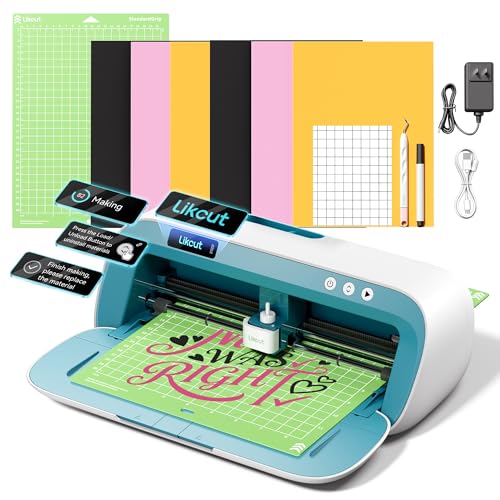
Likcut S41 Vinyl Cutter Machine with Print Then Cut – AI Image Generation Sticker Cutter and Maker Machine for Room Decor, HTV, Cardstock and Custom Stickers, Crafts for Adults
3-Step Workflow: Turn creation into a simple click. Redundant steps and latency are removed to maximize creative output…
As an affiliate, we earn on qualifying purchases.
As an affiliate, we earn on qualifying purchases.
Frequently Asked Questions
Can the Machine Handle Different Material Thicknesses?
Yes, your machine should handle different material thicknesses with ease. Look for models with good material versatility and adjustable settings for thickness adjustment. This guarantees you can work with a variety of materials like cardstock, vinyl, or fabric without hassle. Check the machine’s specifications to confirm it supports your desired material types and thickness ranges. Proper thickness adjustment makes your projects smoother and more professional.
Is Software Compatibility an Issue With Certain Machines?
Software compatibility can be an issue with certain machines. You want to guarantee the machine’s software updates regularly and supports your preferred design software. Check the user interface to see if it’s intuitive and easy to navigate, especially if you’re new to print-then-cut processes. Some machines might have limited compatibility with specific operating systems or require additional software, so verify these details before making your purchase.
What Is the Machine’s Maximum Cutting Size?
Most machines offer a maximum cutting size of around 12 inches wide by 24 inches long, giving you plenty of room for larger projects. For material compatibility and cutting accuracy, make sure your chosen machine supports the size and type of materials you plan to use. This helps prevent issues like uneven cuts or material jams, especially when working on detailed designs or thicker substrates. Choose a machine that balances size with precision for the best results.
How Noisy Is the Machine During Operation?
The noise levels during operation vary depending on the machine, but many models feature sound dampening technology to keep noise manageable. You’ll want to check the decibel rating, as quieter machines often have better sound dampening, making your workspace more comfortable. Consider how much noise you can tolerate, especially if you work in shared or quiet environments. Lower noise levels improve your experience and reduce disruptions, so opt for a machine with effective sound dampening features.
Does the Machine Support Wireless Connectivity Options?
Yes, your new machine supports wireless connectivity options, making setup simple. You can enjoy seamless wireless setup through Wi-Fi, allowing you to print and cut without tangled cables. Additionally, Bluetooth connectivity lets you wirelessly connect your devices for quick, hassle-free operation. Before buying, confirm your workspace has a stable Wi-Fi network and compatible Bluetooth devices to maximize these features, making your print-then-cut tasks more efficient and convenient.
![MixPad Free Multitrack Recording Studio and Music Mixing Software [Download]](https://m.media-amazon.com/images/I/71ltIxIuz1L._SL500_.jpg)
MixPad Free Multitrack Recording Studio and Music Mixing Software [Download]
Create a mix using audio, music and voice tracks and recordings.
As an affiliate, we earn on qualifying purchases.
As an affiliate, we earn on qualifying purchases.
Conclusion
Before you rush into your print-then-cut machine purchase, remember—you’re about to open the secret gateway to endless creative possibilities! Don’t settle for less; choose a machine that’s a powerhouse of precision and speed. Skimping now could mean missing out on jaw-dropping, mind-blowing projects that’ll leave everyone in awe. Make the right choice, and you’ll be the undisputed ruler of crafting greatness—so go ahead, pick the perfect machine and unleash your artistic empire!
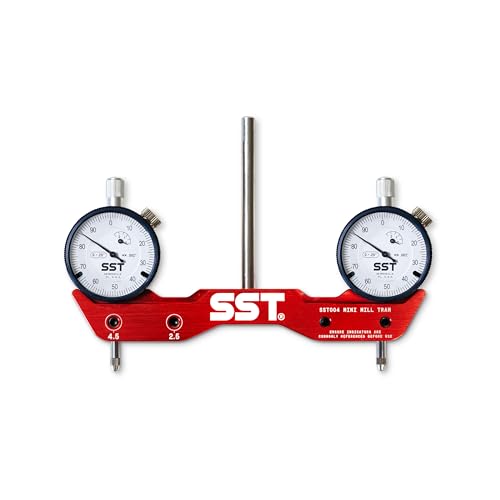
SST – Mini Mill & Lathe Tramming System – Tram, Align, & Square for Machine Calibration – For Angular Misalignment – Precise & Powerful – 0.001” Dial Indicators – Designed in the USA
DIAL IN YOUR MACHINE – Get your spindle and bed in perfect sync with Stupid Simple Tools’ Mini…
As an affiliate, we earn on qualifying purchases.
As an affiliate, we earn on qualifying purchases.
Likcut S41 Vinyl Cutter Machine with Print Then Cut – AI Image Generation Sticker Cutter and Maker Machine for Room Decor, HTV, Cardstock and Custom Stickers, Crafts for Adults
3-Step Workflow: Turn creation into a simple click. Redundant steps and latency are removed to maximize creative output…
As an affiliate, we earn on qualifying purchases.
As an affiliate, we earn on qualifying purchases.