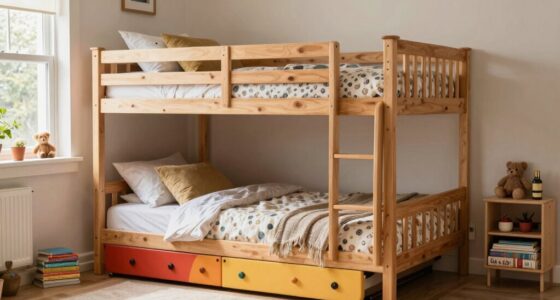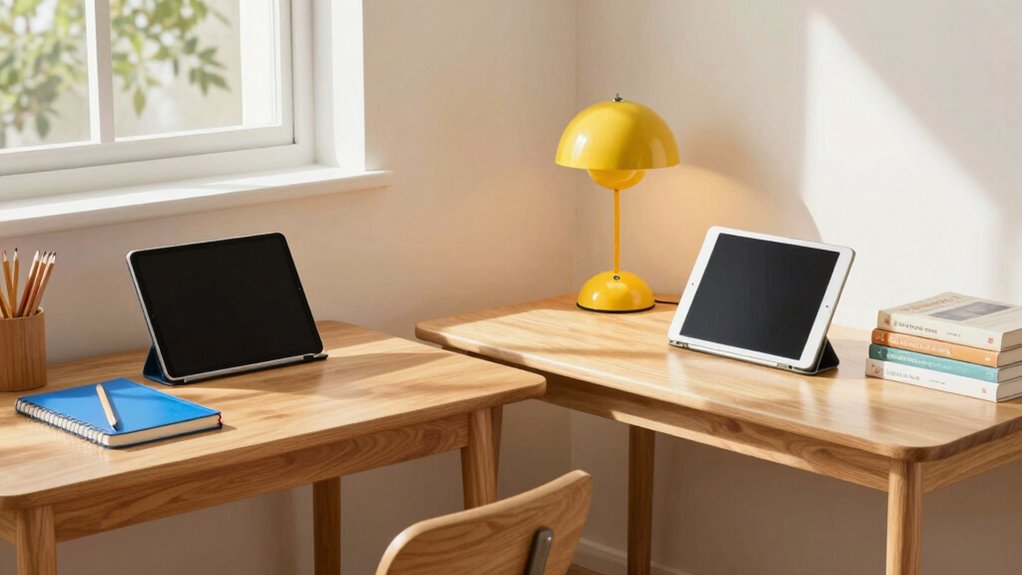

To set up a productive workspace across two homes, choose desks with ample storage and ergonomic features to support your child’s comfort and organization. Use portable storage solutions like trays or bins to keep school supplies easily accessible and consistent in both spaces. Personalize the area with favorite colors or decorations to boost motivation. Keep digital and ergonomic accessories simple and adjustable for flexible use. If you keep exploring, you’ll discover more tips to create a seamless, engaging learning environment.
Key Takeaways
- Use similar organizational systems and storage solutions in both homes for consistency and ease of transition.
- Choose adjustable, ergonomic desks and chairs to ensure comfort across different setups.
- Incorporate child-friendly tech and position tablets at eye level to promote proper ergonomics.
- Use portable storage options like trays or bins for quick setup in each location.
- Personalize workspaces with favorite items to motivate and create inviting, familiar environments.
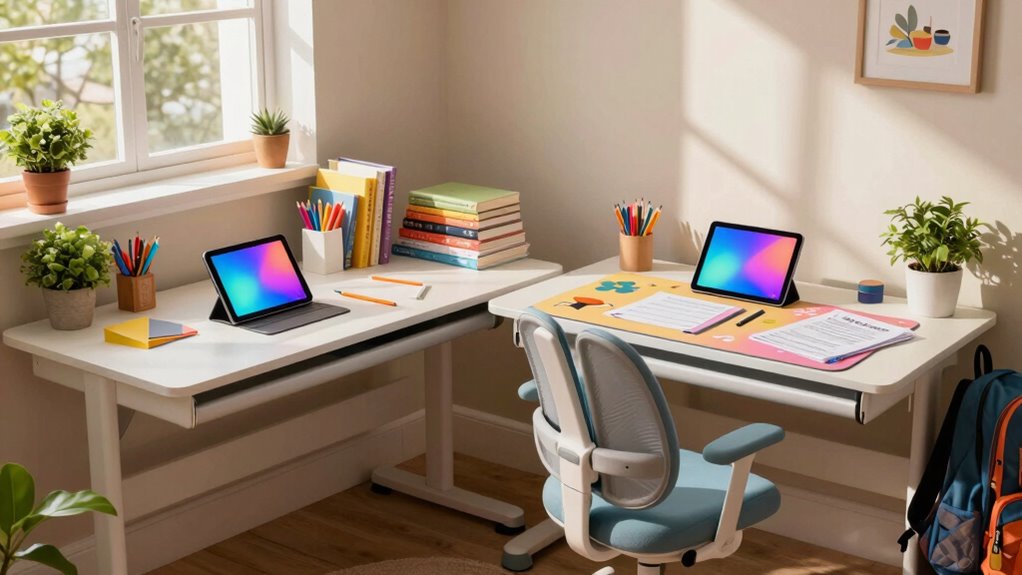
Start by choosing a desk that encourages creative organization. Look for one with ample storage options—drawers, shelves, or cubbies—that allow your child to keep their books, supplies, and devices neatly arranged. This not only helps minimize clutter but also fosters independence as they learn to manage their school materials. When their workspace is organized, they can find what they need quickly, which reduces frustration and saves time during homework sessions. Incorporating organized storage can further streamline their workspace and make daily transitions easier. Additionally, selecting furniture with modular designs can help adapt the setup as your child’s needs evolve over time.
Choose desks with ample storage to promote organization, independence, and quick access to school materials.
Ergonomic design is equally important. Kids are still growing, so their workspace should support proper posture to prevent discomfort or strain. Select a desk that’s adjustable in height or pair it with an ergonomic chair that offers good back support. The desk surface should be large enough to accommodate a tablet and writing materials without feeling cramped. Position the tablet at eye level to reduce neck strain, and make sure your child’s feet can rest flat on the floor or on a footrest. These adjustments promote healthy habits and help your child stay comfortable during long study periods. Incorporating smart appliances like adjustable desks or ergonomic accessories can further enhance comfort and support. Additionally, integrating child-friendly tech can improve their digital learning experience while maintaining safety. Furthermore, considering the use of ergonomic accessories can help customize their workspace for optimal comfort and support.
When setting up for two homes, consistency is key. Keep similar organizational systems and ergonomic principles in both spaces, so your child feels familiar and comfortable no matter where they’re working. Use portable storage solutions, like stackable bins or portable trays, that can easily move between homes. This way, your child can quickly set up their workspace without the hassle of rearranging everything each time.
Finally, think about personalization to make the space inviting. Adding some favorite colors, posters, or small decorative items can make the workspace feel more welcoming and motivating. When your child’s desk is both functional and personalized, they’re more likely to enjoy their learning environment and stay engaged. Prioritizing creative organization and ergonomic design in each setup ensures your child has a comfortable, efficient space to excel academically, whether they’re at home or visiting the other parent’s house.

Kids Study Desk and Chair Set – Height Adjustable Study Writing Table with Bookstand and Storage Drawer, Child School Study Writing Table Ergonomic Widened Desktop Art Desk for Boy & Girl (Grey)
【Safe & Durable】 OYWINGO kids desk and chair set is made with a high-quality MDF desktop and features…
As an affiliate, we earn on qualifying purchases.
As an affiliate, we earn on qualifying purchases.
Frequently Asked Questions
How Do I Prevent My Child From Losing School Supplies Between Homes?
To prevent your child from losing school supplies between homes, implement personalized organization by labeling each item with their name and designated spot. Use a supply tracking system, like a checklist or portable caddy, so your child knows where everything belongs and can easily keep track of their belongings. Encourage regular check-ins and establish routines, making it easier for your child to stay organized and responsible for their supplies.
What Are the Best Storage Solutions for Shared Desks?
To optimize shared desk organization, invest in clear storage bins and drawer dividers to keep supplies tidy. Incorporate decor organization with attractive containers that match your child’s style, making the space inviting. Customize the desk with labels or small chalkboards for easy identification of supplies, encouraging independence. Regularly declutter and prioritize essential items to maintain a functional, personalized workspace that your child can easily access and enjoy across both homes.
How Can I Ensure Consistent Internet Access Across Homes?
To guarantee consistent internet access across homes, you should prioritize strong Wi-Fi security by updating passwords and enabling encryption. Consider investing in mesh Wi-Fi systems for seamless coverage and perform regular Internet troubleshooting to identify and resolve connectivity issues quickly. This way, your kids can smoothly access their schoolwork without interruptions, regardless of which home they’re in. Staying proactive keeps their online learning reliable and secure.
What Are Safe Tablet Usage Guidelines for Young Children?
To keep your young children safe on tablets, set clear screen time limits and stick to them. Use parental controls to restrict access to inappropriate content and monitor their usage regularly. Encourage educational and age-appropriate apps, and establish designated times for screen use. By actively managing screen time and utilizing parental controls, you help your kids develop healthy digital habits while ensuring their safety online.
How Do I Coordinate School Schedules Between Two Households?
Imagine your schedules as a well-tuned orchestra, each household playing its part. You can coordinate school routines by using a shared calendar, ensuring everyone’s on the same page. Establish clear communication routines to discuss upcoming tests or assignments, preventing surprises. Regular check-ins help sync your efforts and keep the harmony. With this approach, you create a smooth rhythm, making school life across two homes seamless and less stressful.

Sooez 6 Pack Extra Large Pencil Box, Plastic Pencil Case Crayon Box, Clear Marker Organizer Plastic Containers with Lid, Stackable Storage Boxes for Art Craft,Pen,Back to School Teacher Supplies, Grey
6 Pack Pencil Box: Pack of 6 meets your daily needs! Clear view, large capacity, 6 stacked together…
As an affiliate, we earn on qualifying purchases.
As an affiliate, we earn on qualifying purchases.
Conclusion
By creating a seamless setup across both homes, you’re weaving a tapestry of stability and encouragement for your children. Their desks and tablets become more than just tools—they’re gateways to learning and growth, standing as silent witnesses to your dedication. With each thoughtful arrangement, you paint a picture of stability amid change, turning everyday spaces into inspiring havens where curiosity blossoms and education flourishes, no matter where they are.

LISEN Tablet Stand for iPad, Tablet Holder for Desk, Desk Accessories Portable Monitor Stand for Apple iPad mini Air Switch Kindle, Adjustable Height and Angle, Foldable Design for Travel
Portable and Durable Construction: Folds flat for travel and holds whatever angles you need, product weight 15.2 ounces…
As an affiliate, we earn on qualifying purchases.
As an affiliate, we earn on qualifying purchases.

PILLANI Kids Travel Tray for Car – Car Seat Tray with Activity Sheets & Pens, Road Trip Essentials for Car & Airplane, Must Have Toddler Travel Lap Desk Accessories – Road Trip Activities for Kids
【Travel and Roadtrip Essentials】- Keep your toddler entertained for hours, even on long drives! Our kids travel tray…
As an affiliate, we earn on qualifying purchases.
As an affiliate, we earn on qualifying purchases.