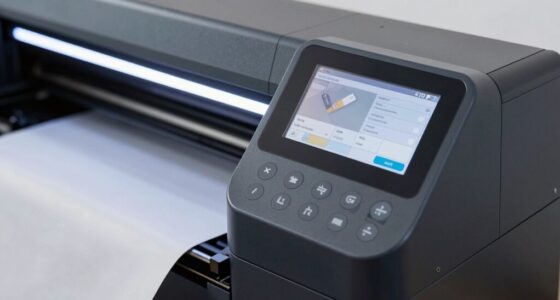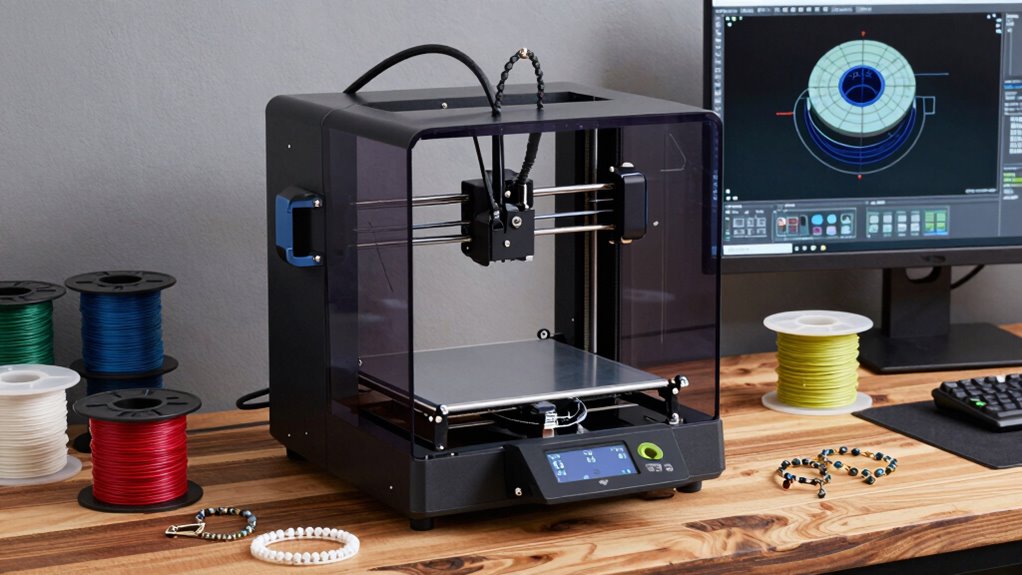
To choose a 3D printer for handmade work without regret, focus on material compatibility, print precision, and workflow features. Make sure it supports your common filaments, like flexible or high-temp materials, for versatility. Look for a model with reliable accuracy and adjustable speeds to balance quality and speed. Bigger build volumes and user-friendly interfaces also matter. Staying attentive to these factors will help you find a printer that suits your creative needs perfectly, and there’s more to discover below.
Open a free Amazon Business account
Business pricing, bulk buying and tax-exempt orders.
As an affiliate, we earn on qualifying purchases.
Key Takeaways
- Assess material compatibility to match your typical projects and ensure versatility with flexible or high-temp filaments.
- Prioritize precision and reliable calibration for detailed, high-quality handcrafted designs.
- Choose a printer with adjustable speeds and modes to balance detail and efficiency.
- Consider build volume and user-friendly features for larger projects and ease of use.
- Opt for strong customer support and easy maintenance to minimize downtime and troubleshooting frustrations.
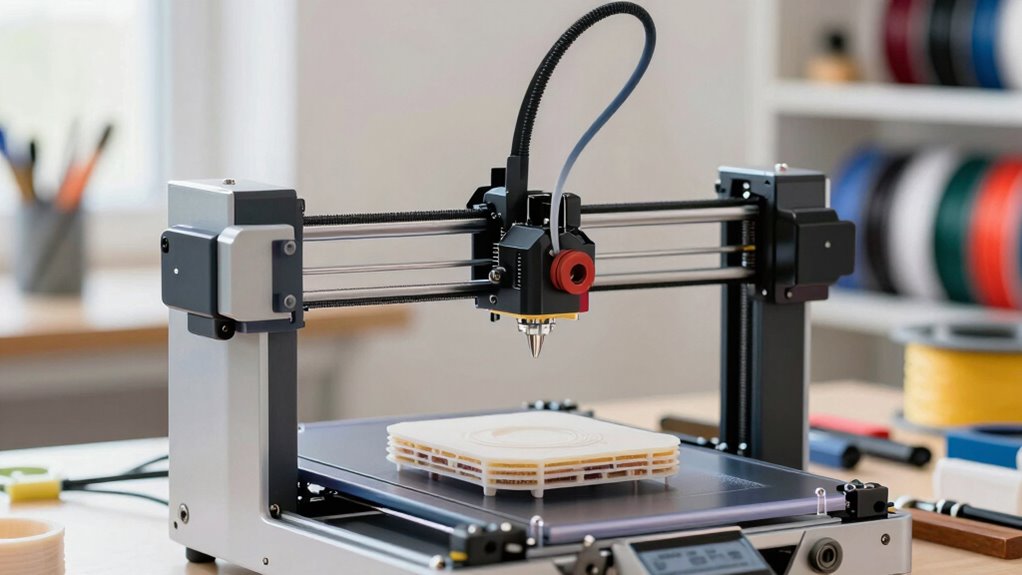
Choosing the right 3D printer for handmade work can considerably enhance your creative process and the quality of your final products. When you’re selecting a printer, one of the most important factors to factor in is material compatibility. Not all 3D printers work with every type of filament or resin, so it’s crucial to identify what materials you plan to use regularly. If you prefer working with flexible filaments, like TPU, or require high-temperature materials such as ABS or nylon, make sure the printer you choose supports those options. Compatibility with a wide range of materials gives you the flexibility to experiment and refine your designs without being limited by your equipment. Additionally, some printers are optimized for specific materials, providing better adhesion, durability, and finish quality, which can be essential for handcrafted items meant for display or functional use.
Print speed is another critical factor that influences your workflow and overall satisfaction with your 3D printer. Faster print speeds allow you to turn around projects more quickly, which is especially beneficial if you’re creating multiple items or working on tight deadlines. However, it’s important to balance speed with quality. A high-speed printer that sacrifices detail or surface finish isn’t always ideal for handmade work, where precision can make or break the aesthetic. Look for a model that offers adjustable print speeds so you can fine-tune settings based on the complexity and requirements of each project. For instance, you might want to print larger, less detailed objects quickly, but slow down for intricate designs that demand higher resolution. Some printers also feature modes like draft or high-quality printing, giving you greater control over your process. It’s also helpful to consider printers with advanced calibration features to ensure consistent quality across different prints. Furthermore, choosing a printer with reliable motion systems can significantly improve print accuracy and reduce errors, especially for detailed handmade items.
Beyond material compatibility and print speed, you should also take into account other features like build volume, ease of use, and support options. A larger build volume lets you work on bigger projects or multiple pieces at once, while user-friendly interfaces and reliable customer support can save you time and frustration. Remember, the best 3D printer for your handmade work is one that aligns with your specific needs and workflow. It’s worth investing in a device that offers versatility, precision, and reliability to ensure your creative projects reach their full potential without regret. Additionally, considering a printer’s material compatibility can help you expand your creative possibilities and experiment with different mediums for your handmade creations. Moreover, exploring printers with easy maintenance features can reduce downtime and keep your workflow smooth.
best 3D printer for handmade crafts
As an affiliate, we earn on qualifying purchases.
As an affiliate, we earn on qualifying purchases.
Frequently Asked Questions
What Is the Maximum Print Size I Should Consider?
You should consider a maximum print size that aligns with your project needs, typically around 200x200x200mm for versatility. Think about your print size considerations and make certain your chosen printer supports your desired dimensions. Also, check material compatibility, as larger models may require specific features for different materials. Balancing size with your workspace and material options ensures you avoid regret and get the best results for your handmade work.
How Noisy Are Different 3D Printers During Operation?
Imagine a quiet workshop where the hum of a printer barely stirs the air—this is achievable with low sound level models that prioritize noise reduction. Most 3D printers produce moderate noise, like a gentle whirring, but some can be surprisingly loud, comparable to a vacuum cleaner. When choosing, look for printers with sound levels specified in decibels and features like enclosed cases or silent stepper drivers to keep noise to a minimum.
What Safety Features Should I Look for in a 3D Printer?
You should look for safety features like an enclosed design, automatic shut-off, and thermal runaway protection. Make sure the printer’s filament compatibility matches your preferred materials to prevent jams or hazards. Also, check the print bed material for safety and ease of use, such as tempered glass or build plates that prevent warping. These features help keep your workspace safe while producing high-quality handmade creations.
How Much Maintenance Does a Typical 3D Printer Require?
Think of your 3D printer as a garden; regular care keeps it thriving. Typically, you’ll need to clean the extruder, check filament compatibility, and calibrate the printer every few weeks. Proper calibration ensures smooth prints, while using compatible filament reduces jams. If you keep up with these tasks, your printer runs efficiently and lasts longer. Neglecting maintenance, however, results in frequent issues and costly repairs.
Can I Upgrade or Customize My 3D Printer Later?
Yes, you can upgrade or customize your 3D printer later. Many models allow you to improve filament compatibility, enabling you to use different materials, and increase print speed for quicker projects. You might add better extruders, upgrade firmware, or enhance bed heating systems. Just guarantee your printer’s hardware and firmware support these modifications, and research compatibility to avoid issues that could cause regret or damage.
Conclusion
Choosing the right 3D printer can transform your handmade projects, making them more precise and creative. Remember, over 80% of hobbyists who invested in quality printers reported increased satisfaction and success. Don’t rush your decision—consider your needs, budget, and desired features. With the right choice, you’ll discover endless possibilities and avoid regret. Embrace the journey, and watch your craftsmanship soar to new heights!
Flea & tick season Picks
flea and tick prevention
As an affiliate, we earn on qualifying purchases.