To know if a 3D printer will save you time, verify it supports your needed materials and fits your maintenance routine. Check if it offers high precision for complex projects or simple setups for quick tasks. Think about user-friendliness and print quality to avoid extra troubleshooting. If you match the machine’s features with your workflow, you’ll increase efficiency. Exploring further can help you choose a printer that truly enhances your productivity rather than adds work.

Get business pricing on tools and workshop supplies
- Business-only prices and quantity discounts
- Tax-exempt purchasing
- Multiple users, one account, clear invoices
Key Takeaways
- Ensure the printer supports your required materials to avoid delays and failed prints.
- Choose models with low-maintenance requirements to minimize downtime and troubleshooting.
- Assess the printer’s resolution and complexity to match your project’s precision needs.
- Opt for user-friendly interfaces to reduce setup time and ease of operation.
- Match the printer’s features with your workflow to improve productivity and prevent additional work.
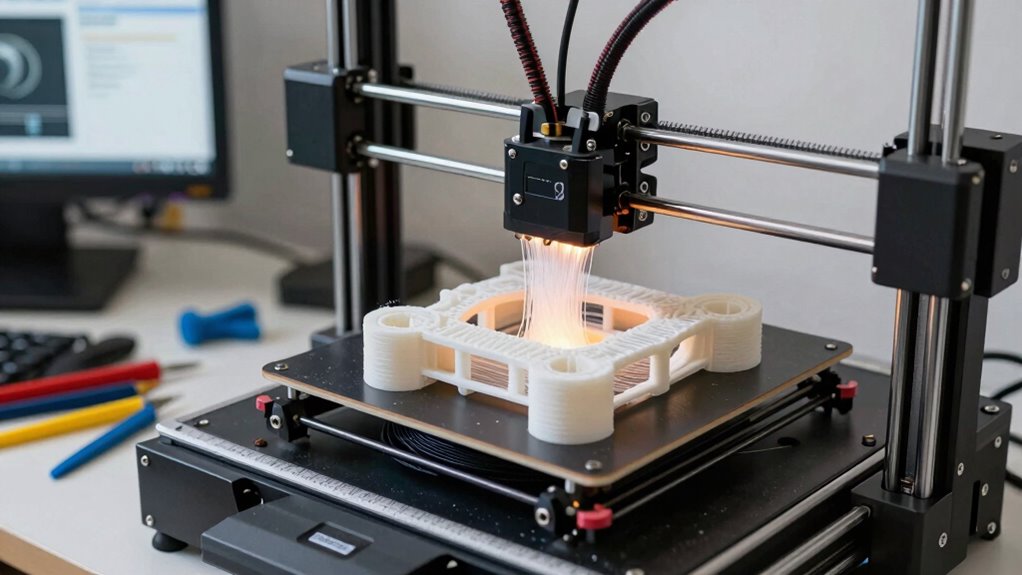
Deciding whether a 3D printer will genuinely save you time or just add to your workload depends on understanding its capabilities and limitations. One key factor is material compatibility. Not all printers work with every filament or resin, so knowing what materials are compatible with your machine is essential. If your projects require a specific type of filament, like ABS, PETG, or flexible materials, confirm your printer supports them. Incompatible materials can lead to failed prints, wasted time, and increased frustration. Additionally, some printers handle certain materials better than others, affecting print quality and reliability. Being aware of what your machine can handle helps you plan projects more efficiently and avoid the pitfalls of incompatible materials that could slow you down.
Material compatibility is key to efficient 3D printing and avoiding failed projects.
Another important aspect to consider is material compatibility, which directly impacts your ability to produce diverse projects efficiently. Maintenance requirements are another critical aspect. Every 3D printer demands regular upkeep—cleaning nozzles, calibrating beds, lubricating moving parts, and replacing worn-out components. If you’re not prepared for routine maintenance, your printer might experience more frequent breakdowns or subpar prints, which can greatly extend project timelines. Some models need more intensive maintenance than others, so before investing, consider how much time you’re willing to dedicate to upkeep. A machine with straightforward maintenance routines might save you time overall, while one that constantly requires troubleshooting can quickly become a time sink. Proper planning for maintenance can help prevent unexpected downtime, ensuring continuous productivity. Regular maintenance routines can prevent costly repairs, saving you both time and money in the long run. Additionally, selecting a model with easy-to-access parts can simplify upkeep and reduce downtime.
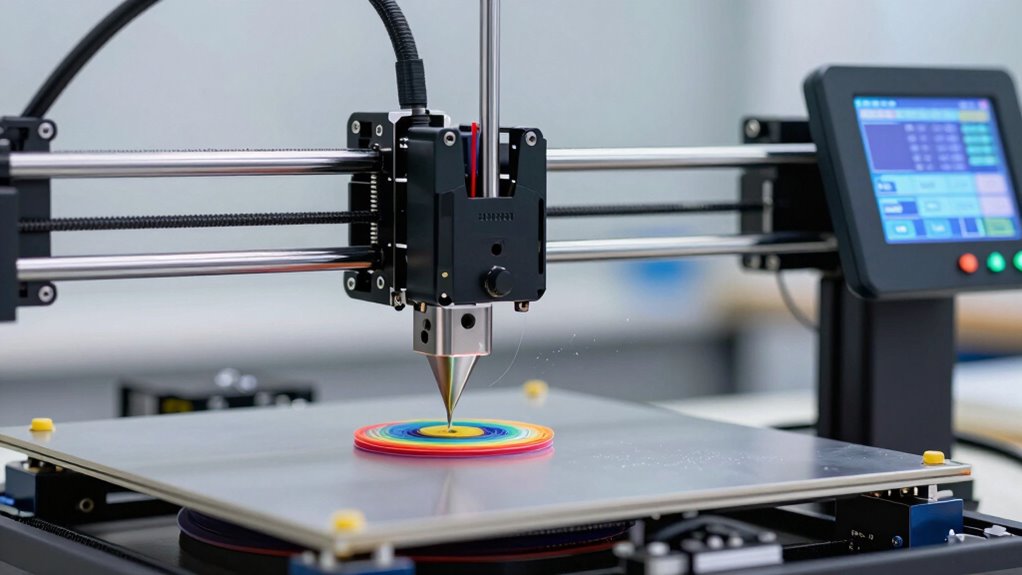
Beyond materials and maintenance, you should evaluate your workflow and the complexity of the prints you plan to produce. If you’re regularly printing intricate prototypes, you’ll need a printer capable of high precision and fine detail, which may require more setup and calibration time. On the other hand, if you mainly need simple parts, a basic printer could streamline your process. Carefully assessing the print resolution capabilities of a 3D printer before purchase can also help you determine if it meets your quality standards. Also, consider how user-friendly the interface is; a more intuitive design can reduce setup and troubleshooting time, allowing you to focus on your projects instead of wrestling with the machine. Assessing the user interface of a 3D printer before purchase can significantly impact how efficiently you operate it.
In essence, whether a 3D printer saves you time hinges on matching its features with your specific needs. If you pick a model that’s compatible with your preferred materials and maintain it properly, you’ll likely find it a valuable tool rather than an obstacle. But neglecting these factors can turn your investment into additional work, not less. So, weigh the material compatibility and maintenance requirements carefully before making your choice. That way, you set yourself up for a smooth, efficient 3D printing experience that truly enhances your productivity.
high precision 3D printer for complex projects
As an affiliate, we earn on qualifying purchases.
As an affiliate, we earn on qualifying purchases.
Frequently Asked Questions
What Is the Initial Cost of a Reliable 3D Printer?
A reliable 3D printer generally costs between $300 and $1,000, depending on features like material compatibility and print resolution. Higher-end models support a wider range of materials and offer better resolution, but come with a higher price tag. You should consider your specific needs, such as the types of materials you’ll use and the detail level required, to determine the best value for your investment.
How Much Maintenance Does a 3D Printer Typically Require?
Ever wonder how much maintenance your 3D printer needs? It varies, but generally, you’ll spend time on filament selection and print calibration to guarantee quality. Regularly clean the print bed, check the nozzles, and update firmware to prevent issues. While some maintenance is necessary, staying on top of these tasks keeps your printer running smoothly and minimizes downtime. Are you ready to keep your printer in tip-top shape?
Can a 3D Printer Handle Large-Scale Projects Efficiently?
A 3D printer can handle large-scale projects efficiently if it offers ample print size and material versatility. Check its maximum print volume to guarantee it accommodates your project dimensions. While some machines are designed for bigger prints, others may struggle with size limitations. If you need diverse materials, verify compatibility beforehand. Proper planning and choosing the right printer make large projects manageable, saving you time and reducing the need for multiple prints.
What Skills Are Necessary to Operate a 3D Printer Effectively?
Operating a 3D printer is like mastering a new language—you need specific skills to communicate effectively. You must understand material compatibility to choose the right filament and avoid errors. Software proficiency is essential for designing and slicing models accurately. With practice, you’ll troubleshoot issues faster and optimize print quality, saving time in the long run. Developing these skills guarantees you get the most out of your 3D printing experience.
How Long Does It Usually Take to Produce a Printed Item?
It usually takes anywhere from a few minutes to several hours to produce a printed item, depending on factors like material selection and print accuracy. Thicker layers or larger objects increase the time, while precise settings and quality materials can speed up the process. To optimize your printing time, balance material choice with desired accuracy, and plan for the time needed to achieve the best results without sacrificing quality.
Conclusion
Think of a 3D printer as a trusty forge. When it’s well-maintained and used wisely, it shapes your ideas into reality swiftly, saving you time like a skilled blacksmith. But if neglected or misused, it becomes a tangled mess of unrefined metal, creating more work. To truly benefit, nurture your printer like a craftsman tending his forge—know its limits, invest in upkeep, and you’ll forge ahead, turning visions into finished masterpieces with ease.
Halloween Picks
halloween
As an affiliate, we earn on qualifying purchases.