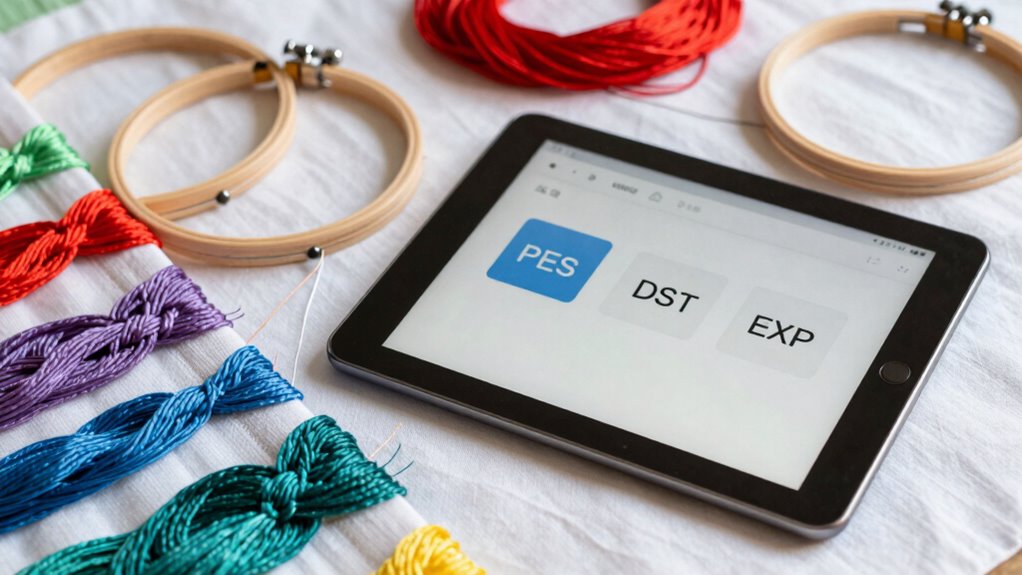

Embroidery file formats like PES, DST, and EXP are essential because they tell your machine how to stitch your design. PES files work best with Brother and Baby Lock machines and support detailed, colorful patterns. DST files are simple and widely compatible, ideal for basic designs and older machines, but lack color info. EXP files suit industrial setups like Tajima systems, offering complex design support. To choose the right one for your needs, learn how each format fits your machine and projects.
Key Takeaways
- PES files are ideal for detailed, multi-layered designs on Brother and Baby Lock machines.
- DST files are simple, highly compatible, and suitable for basic or monochrome embroidery projects.
- EXP files support complex, industrial-level designs, mainly used with Tajima and Bernina systems.
- Match the file format to your machine to ensure proper stitching, color management, and design accuracy.
- Use format converters and software tools to manage, edit, or convert files for compatibility and troubleshooting.

Brother SE700 Sewing and Embroidery Machine, Wireless LAN Connected, 135 Built-in Designs, 103 Built-in Stitches, Computerized, 4" x 4" Hoop Area, 3.7" Touchscreen Display, 8 Included Feet, White
SEWING and EMBROIDERY IN ONE: The SE700 is the ideal machine to start your sewing and embroidery journey...
As an affiliate, we earn on qualifying purchases.
What Are Embroidery File Formats and Why Do They Matter?
Embroidery file formats are digital files that contain instructions for machines to create specific stitch patterns on fabric. These instructions include details like stitch type, density, and sequence. Properly formatted files guarantee your machine stitches with the right thread tension and aligns designs correctly within the embroidery hoop. If the file isn’t compatible or well-structured, you might face issues like puckering or uneven stitching. Different formats are tailored for specific machines, making it essential to choose the right one for your equipment. Understanding these formats helps you troubleshoot problems and achieve professional results. Additionally, knowledge of embroidery file formats can help you select the appropriate files for your specific machine model, ensuring optimal performance. Recognizing the compatibility requirements of your embroidery machine can prevent frustrating errors and improve the overall quality of your projects. Ultimately, the right embroidery file format ensures your designs are accurately executed, saving time and effort while improving the quality of your finished projects. Familiarity with file compatibility can prevent common errors and streamline your workflow.

Brother SE2000 Computerized Sewing and Embroidery Machine
ARTSPIRA MOBILE APP: Access 50 free embroidery designs, make custom embroidery patterns by drawing on your mobile device,...
As an affiliate, we earn on qualifying purchases.
An Overview of Common Embroidery File Formats: PES, DST, and EXP

Among the most widely used embroidery file formats are PES, DST, and EXP, each serving different machines and purposes. PES files, common with Brother and Babylock machines, store detailed stitch data, including thread tension and hoop size. DST files, popular among commercial embroiderers, focus on stitch positioning but omit color info, impacting thread tension adjustments. EXP files, often used with Bernina machines, retain detailed design info suited for intricate projects. Additionally, understanding file compatibility is essential for choosing the right format for your equipment and project needs. Here’s a quick comparison:
| Format | Machine Compatibility | Key Feature | Use Case |
|---|---|---|---|
| PES | Brother, Babylock | Detailed stitch & tension info | Home embroidery projects |
| DST | Commercial machines | Simplified stitch data | Large-scale production |
| EXP | Bernina | Full design info | Precision embroidery |
Understanding these helps you match formats to your hoop size and tension preferences, ensuring perfect results.
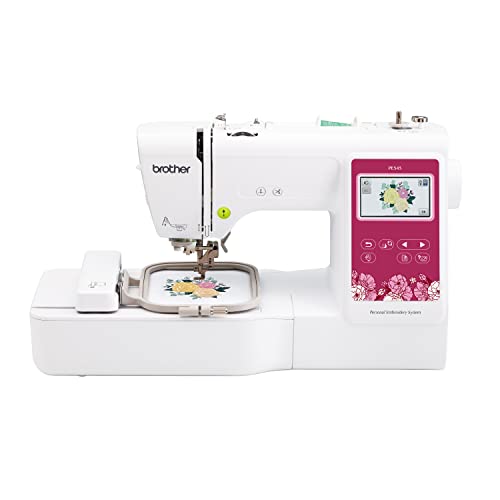
Brother PE545 Embroidery Machine, Wireless LAN Connected, 135 Built-in Designs, 4" x 4" Hoop Area, Large 3.7" LCD Touchscreen, USB Port, 10 Font Styles
WIRELESS LAN ENABLED: Transmit embroidery files from your PC to your embroidery machine via the free downloadable software...
As an affiliate, we earn on qualifying purchases.
How to Choose the Right Embroidery File Format for Your Machine and Project
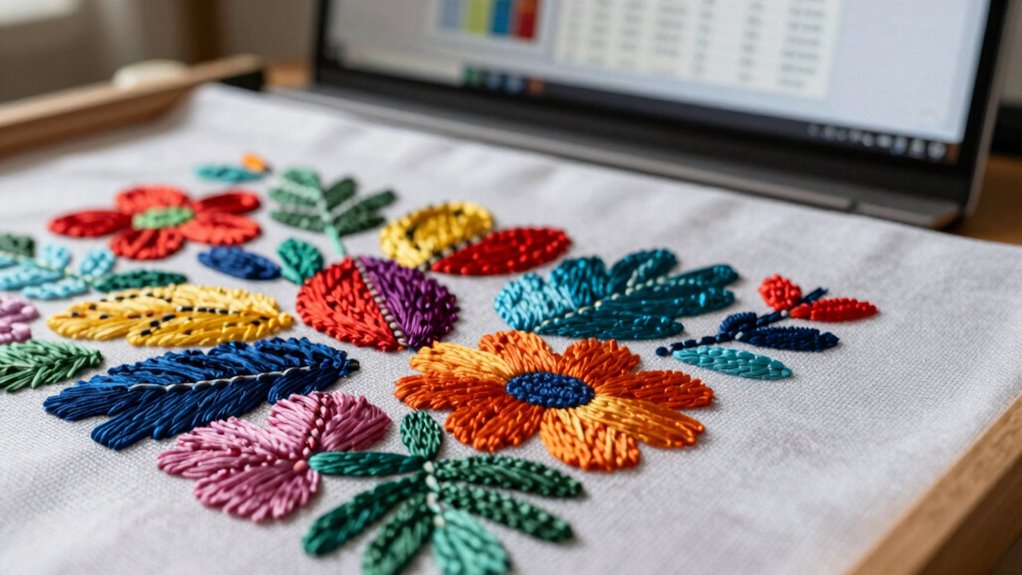
Choosing the right embroidery file format depends on your machine’s compatibility and the specific needs of your project. First, check your machine’s supported formats—some may only work with PES or DST. Consider your fabric selection, as different fabrics require specific thread tension settings; certain formats might better preserve design quality on delicate or thick fabrics. If you plan to use complex designs, opt for formats that retain intricate details and color information. Simpler projects might do fine with basic formats like DST. Also, think about your software’s capabilities—some formats are easier to edit or convert. Ultimately, selecting the correct format ensures smooth stitching, ideal thread tension, and flawless results tailored to your fabric and project requirements.

FUJA Commercial Embroidery Machine with 10 Needles, 1200 SPM Max Speed, 9.5" × 14.2" Large Embroidery Area for Small Business & Beginners – Built for Hats, Caps, Flats, T-Shirts & Patches
【Upgrade Your Small Business with 10-Needle Power】: Stop wasting time on manual thread changes! With 10 needles running...
As an affiliate, we earn on qualifying purchases.
What Are PES Files? Features, Uses, and When to Use Them
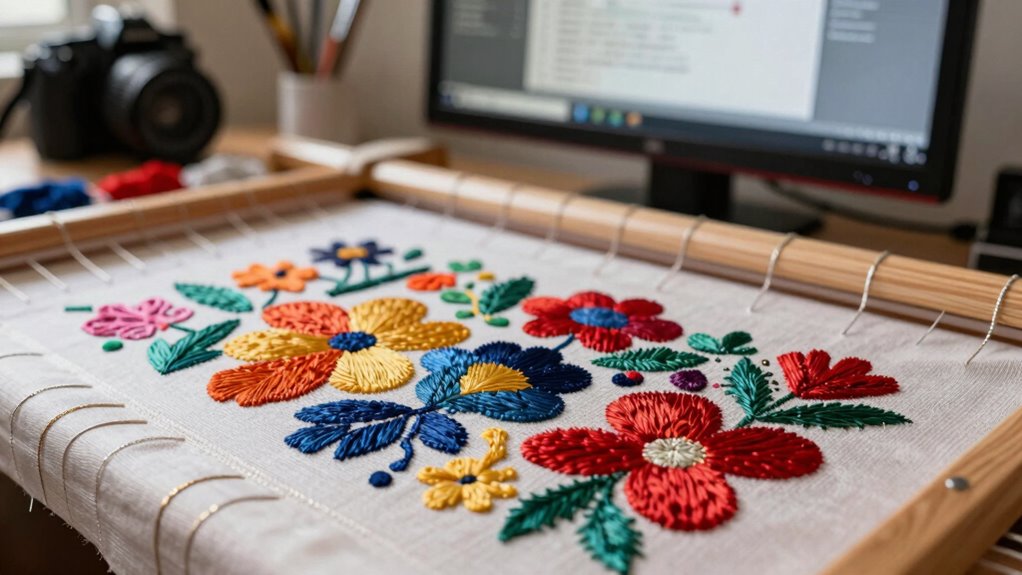
PES files are designed to work with specific embroidery machines, so knowing if yours is compatible is crucial. These files feature detailed stitch data and color information that guarantee your design turns out perfect. Understanding when and how to use PES files helps you achieve professional results with ease.
Compatible Embroidery Machines
Have you ever wondered what makes PES files so popular with embroidery enthusiasts? These files are compatible with a wide range of embroidery machines, especially those from Brother and Baby Lock. They support detailed customization with adjustable thread density, ensuring your design stitches correctly on different fabrics. PES files also work seamlessly with machines that allow you to select from various color palettes, giving you flexibility in choosing thread shades. If your embroidery machine accepts PES files, you can easily import designs and modify them to match your project’s needs. This compatibility makes PES a versatile choice for hobbyists and professionals alike, streamlining your workflow and expanding creative possibilities. Whether you’re working on simple or complex projects, PES files adapt well to your machine’s capabilities. Additionally, understanding file formats can help you choose the right design files for optimal results.
Key File Features
PES files stand out because they combine detailed design data with user-friendly features, making them ideal for embroidery projects. They support complex embroidery design complexity, allowing intricate patterns with multiple stitches and layers. One key feature is thread color management, which helps you organize and assign specific thread colors to different parts of the design. This guarantees color accuracy during stitching and simplifies the process of switching thread shades. PES files also store essential information like stitch types and sequence, streamlining machine operation. Their compatibility across many embroidery machines makes them versatile for various projects. Additionally, PES files often incorporate culturally relevant practices, ensuring designs honor traditional techniques and heritage. Overall, PES files are perfect when you need detailed control over design complexity and precise thread color handling, ensuring your embroidery turns out exactly as intended.
When Should You Use DST Files? Applications and Limitations

DST files are ideal if your embroidery machine supports them and you need simple, widely compatible designs. However, not all machines handle DST files perfectly, especially advanced models with complex features. Consider your machine’s capabilities and limitations before choosing DST to make certain of smooth embroidery. Additionally, understanding the disposal practices related to maintenance can help ensure the longevity and proper functioning of your machine. Knowing the machine specifications can further guide you in selecting the appropriate file formats for your projects. Furthermore, being aware of water-related maintenance routines can help prevent issues caused by moisture or water damage, ensuring your embroidery equipment remains in optimal condition. Incorporating regular preventive maintenance routines can also extend the lifespan of your embroidery tools and improve overall performance.
Suitable Embroidery Machines
Knowing when to use DST files is essential for guaranteeing compatibility with a wide range of embroidery machines, especially older or basic models. DST files work well with many embroidery machine brands that support simple, monochrome designs or basic stitch functions. These files are ideal if your machine has limited thread color options or cannot handle complex color changes. If you’re working with entry-level or older machines, DST files often provide a straightforward way to load designs without compatibility issues. Additionally, DST files are commonly used in low-cost or entry-level embroidery machines because of their simplicity. These files are compatible with machines that lack advanced multi-color capabilities, making them a versatile choice for basic embroidery tasks. However, they don’t support multi-color or intricate thread color options, which can limit your design choices. Use DST files when you need a universal, simple format that ensures your embroidery machine can read and accurately reproduce your designs without requiring advanced features.
Compatibility and Limitations
While DST files are widely compatible with many embroidery machines, especially older or basic models, they do have notable limitations. This file format restriction means they lack advanced features like color management, lettering, or multi-hooping capabilities. Their simplicity can also lead to issues with complex designs, as DST files don’t support stitch type or thread color information, which might cause software compatibility challenges. If you’re working with modern machines or software that require detailed design data, DST files might fall short. You should use DST files mainly for basic embroidery tasks or older equipment. Keep in mind that their limited data scope can restrict editing flexibility and design precision, making them less suitable for intricate projects or those needing advanced customization.
Understanding EXP Files: Ideal Scenarios and Compatibility Tips
Understanding EXP files is essential if you work with embroidery machines that require precise pattern data. EXP files are mainly used in industrial embroidery setups and software compatible with Tajima machines. They’re ideal when working with specific embroidery software that supports this format directly, guaranteeing seamless pattern transfer. If your workflow involves multiple file types, you might need file conversion tools to switch between formats like PES or DST, but using EXP files minimizes compatibility issues. Keep in mind that EXP files are less common outside Tajima systems, so verify your embroidery machine’s requirements beforehand. When creating or editing patterns, always test in your machine environment to ensure accuracy. Proper understanding of EXP files helps you avoid errors and ensures smooth embroidery operations.
Which Embroidery File Format Is Best for Beginners and Advanced Users?
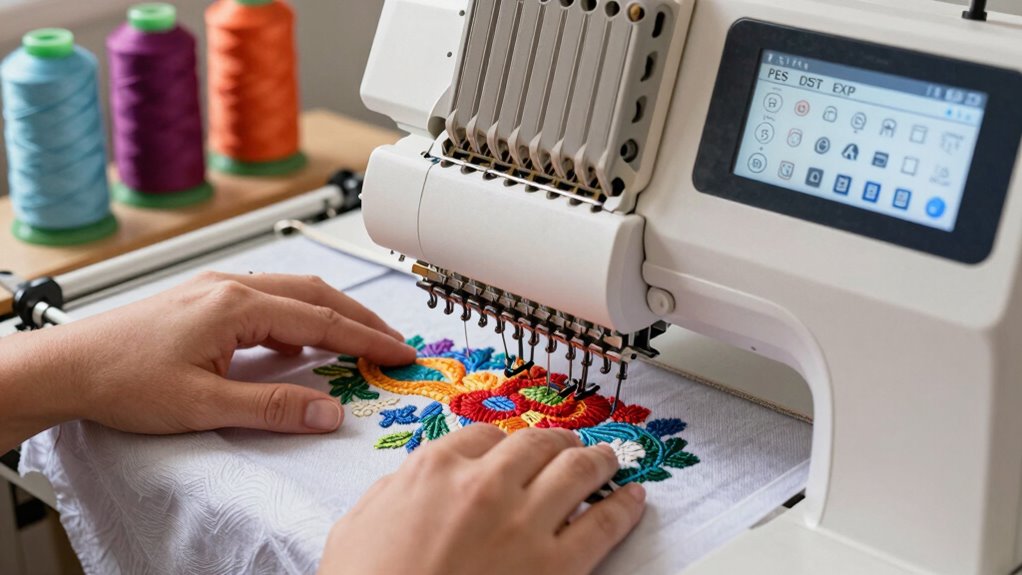
Choosing the right embroidery file format depends on your experience level and specific needs. If you’re a beginner, formats like PES or DST are ideal because they’re widely compatible and simple to share for embroidery design sharing. PES files work well with Brother and Babylock machines, making them versatile for beginners. Advanced users might prefer EXP or other formats that offer more control over stitches and design intricacies. These formats often support complex edits and detailed customization, which appeals to experienced embroiderers. Additionally, consider your machine compatibility; not all formats work with every machine. Selecting the right format guarantees smooth embroidery processes, seamless design sharing, and compatibility, whether you’re just starting out or pushing your skills further. Understanding embroidery file compatibility can help you avoid frustrating errors during your projects, especially as you explore different digital asset management options to organize your designs effectively.
Troubleshooting Common Embroidery File Format Issues
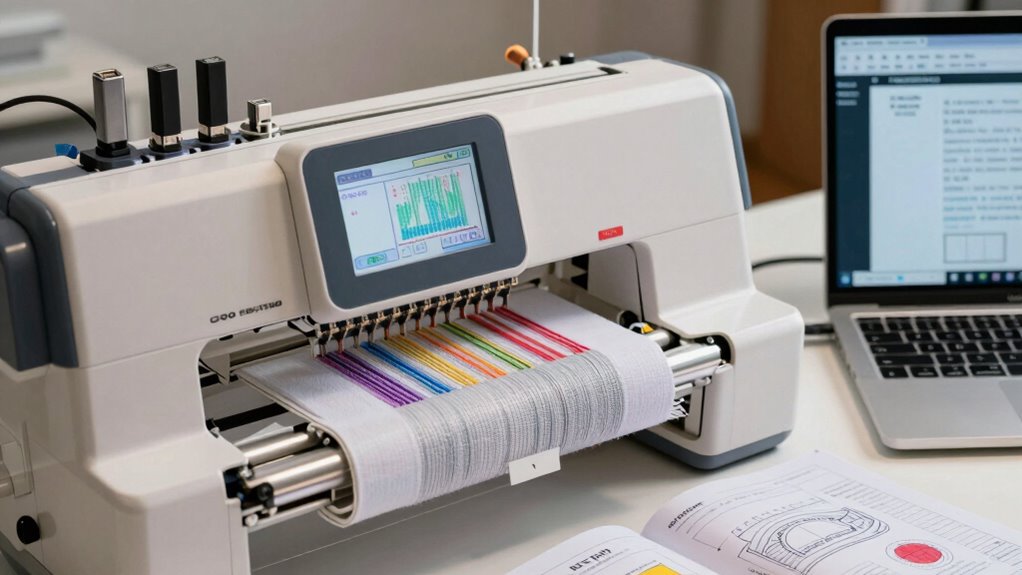
Encountering issues with embroidery file formats can be frustrating, but most problems stem from incompatibilities or corrupted files. If your design isn’t stitching correctly, check the thread tension—poor tension can cause skipped stitches or puckering. Also, verify fabric compatibility; some formats may not translate well to certain materials, resulting in uneven stitching or misaligned designs. Confirm that you’re using the correct file format for your embroidery machine and software. Sometimes, a simple re-save or conversion can fix errors. If a file seems corrupted, try opening it on a different device or re-downloading it. Staying aware of these common pitfalls helps you troubleshoot effectively, saving time and preventing fabric or thread mishaps during your embroidery projects. Being familiar with file format compatibility and how it influences your project outcomes can make troubleshooting even easier. Additionally, understanding the software requirements for your specific embroidery machine can prevent many common format issues before they arise. To further improve your troubleshooting skills, consider consulting embroidery community resources for tips and shared experiences. Moreover, paying attention to file transfer methods can help prevent corruption during file sharing or storage.
Tips for Managing and Converting Your Embroidery Files Easily
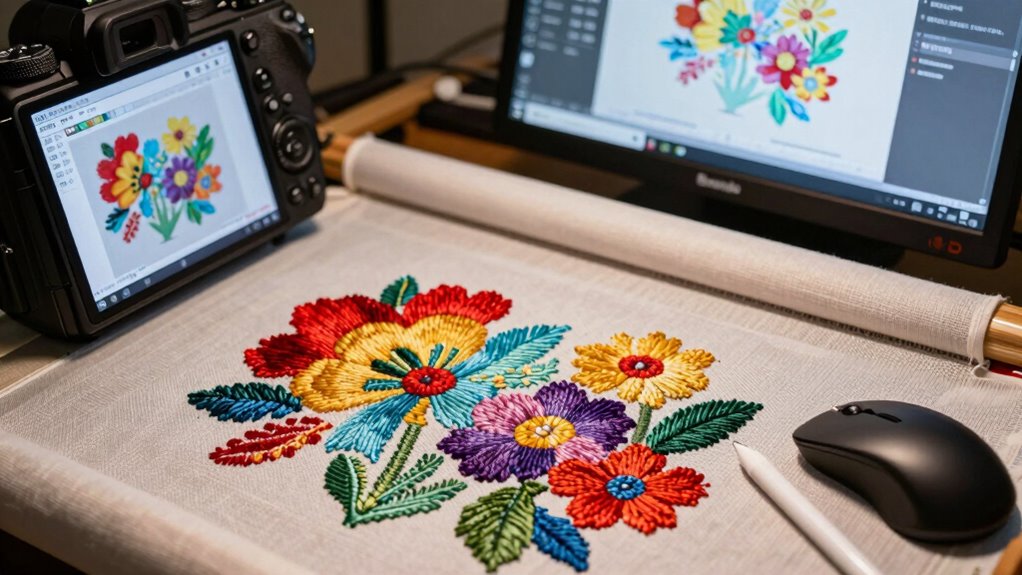
Managing and converting your embroidery files doesn’t have to be complicated if you use the right tools and techniques. Start by selecting software that supports multiple formats to guarantee compatibility. Use file compression to reduce file size without losing quality, making transfers easier. Keep organized folders for different formats like PES, DST, or EXP, so you can quickly find what you need. When converting files, choose programs that automate format changes to minimize errors. Here’s a quick visual:
| Your Needs | Recommended Solution |
|---|---|
| Reduce file size | Use file compression tools |
| Ensure compatibility | Choose versatile embroidery software |
| Convert formats easily | Use dedicated format converters |
This approach streamlines your workflow and saves time. Additionally, understanding file format compatibility can help prevent issues during transfers and conversions.
Frequently Asked Questions
Can I Convert Between Different Embroidery File Formats Easily?
Yes, you can convert between different embroidery file formats easily with the right tools. File compatibility varies, so using dedicated format conversion software guarantees your designs stay intact. Many embroidery programs support format conversion, allowing you to switch from PES to DST, EXP, or other formats effortlessly. Just make sure to double-check the converted file for any issues before stitching to ensure your design maintains its quality.
Are There Specific Embroidery Formats Optimized for Certain Fabrics?
Think of embroidery formats as tailor-made suits for different fabrics. Some formats, like PES or EXP, excel with delicate textiles, ensuring fabric compatibility and smooth embroidery tension. Others, like DST, suit sturdier materials, preventing puckering or thread breakage. Match your format to your fabric’s nature, and you’ll craft stitches as harmonious as a symphony, ensuring your embroidery’s beauty and durability shine through.
How Do I Determine Which Format My Embroidery Machine Supports?
You determine which format your embroidery machine supports by checking its user manual or manufacturer’s website for compatibility details. Look for the section on supported formats, like PES, DST, or EXP. If you’re unsure, use format identification tools or software that can analyze your files to verify they match your machine’s requirements. This way, you avoid compatibility issues and ensure smooth embroidery projects.
Do All Embroidery Software Programs Handle PES, DST, and EXP Files?
Think of embroidery software as a universal translator, but not all speak every language. Not all programs support PES, DST, and EXP files equally. Some handle only specific formats, so file compatibility depends on the software’s capabilities. Before you start, check your software support to guarantee it can open and work with your preferred embroidery file formats. This way, you avoid compatibility issues and keep your projects running smoothly.
What Are the File Size Limitations for Different Embroidery Formats?
You should know that file size limits vary by embroidery format, with PES and DST typically handling larger designs up to several megabytes, while EXP files are more limited. When working with different embroidery thread types and machine maintenance tips, keep your design sizes manageable to make certain your stitching proceeds smoothly. Larger files may slow down your machine, so always optimize your designs for your specific format for the best results.
Conclusion
Now that you understand the ins and outs of PES, DST, and EXP files, you’re equipped to navigate your embroidery projects with confidence. Think of your files as colorful threads weaving together your creative vision—each format a different stitch in your masterpiece. With the right choice, your machine will dance smoothly, bringing your designs to life like a painter’s brushstroke on fabric. Happy stitching!