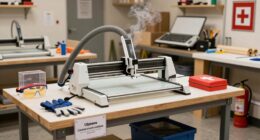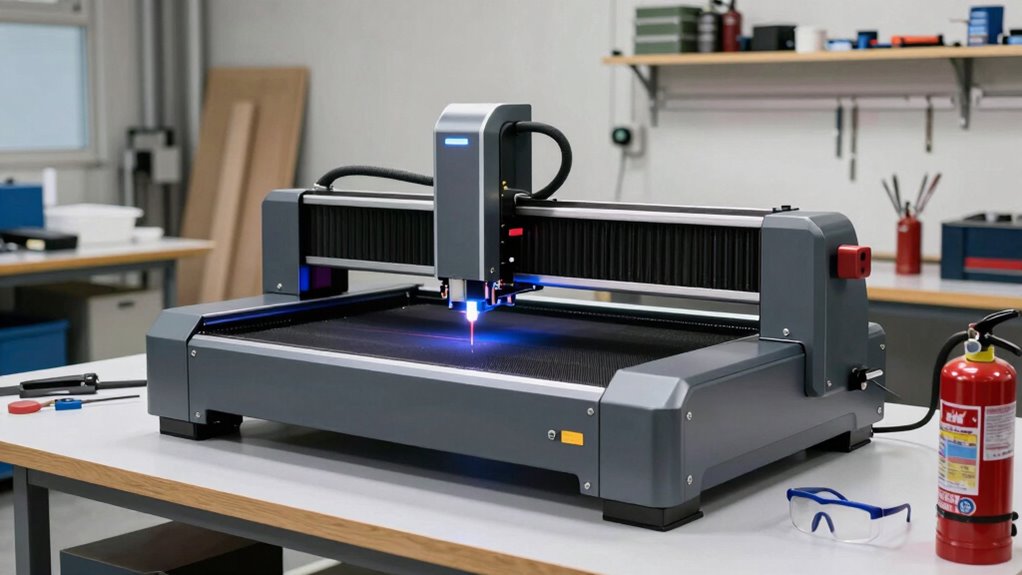

Before buying your first enclosed laser cutter, make sure it has strong safety features like proper ventilation, emergency shut-offs, and protective housing to contain debris. Check the build quality for durability and reliability, and look for user-friendly controls. Regular maintenance, such as cleaning lenses and mirrors, is crucial for performance. Also, understand operating protocols to stay safe. If you keep exploring, you’ll discover more essential tips for a safe and successful setup.
Key Takeaways
- Ensure the laser cutter has robust safety features like protective housing, interlocks, and proper ventilation systems.
- Verify build quality and reliable components for consistent performance and easier maintenance.
- Check for user-friendly controls and clear instructions to simplify operation and reduce errors.
- Regularly maintain and clean lenses, mirrors, and ventilation to ensure optimal cutting precision.
- Understand and follow all safety protocols, including fume containment and proper handling of materials.
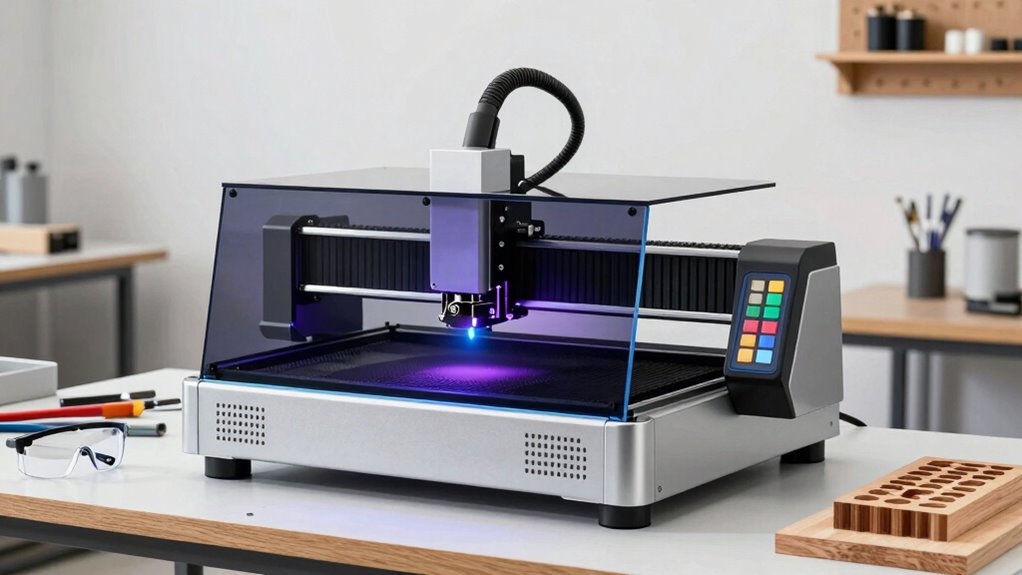
Buying your first enclosed laser cutter can be exciting, but it’s important to understand what to look for before making a purchase. Enclosed laser cutters are powerful tools that can help you create detailed designs on a variety of materials, but safety should always be your top priority. Before choosing a model, consider the safety precautions it offers—such as proper ventilation, emergency shut-off features, and protective housing—so you can operate it securely. An enclosed design already provides some safety benefits, but you should verify that the unit has safety interlocks, clear viewing windows, and reliable filters to contain fumes and debris.
Prioritize safety features like ventilation, interlocks, viewing windows, and filters when choosing an enclosed laser cutter.
When evaluating different laser cutters, pay close attention to the machine’s build quality and reliability. A sturdy frame made from durable materials ensures consistent performance and reduces the risk of mechanical issues down the line. Additionally, look for user-friendly features like intuitive controls, clear instructions, and accessible maintenance points. This will make your experience smoother, especially if you’re new to laser cutting. Regular maintenance, including inspecting components and updating software, can further enhance the lifespan and safety of your device. Understanding machine safety features is essential to ensure comprehensive protection during operation. Furthermore, researching proper safety protocols can help prevent accidents and ensure safe handling of the equipment. Regularly reviewing safety guidelines can help keep your workspace secure and compliant with best practices.
Maintenance tips are equally essential to keep your enclosed laser cutter functioning at its best. Regular cleaning of the laser lens and mirrors ensures that your cuts remain precise and prevents damage. Always follow the manufacturer’s guidelines for cleaning frequency and the type of cleaning solutions to use. Keep the interior free of dust and debris, and check the ventilation system periodically to guarantee it’s working effectively—this not only prolongs the lifespan of your machine but also maintains a safe environment. Proper ventilation systems are crucial in removing harmful fumes and ensuring a safe workspace. Lubricate moving parts as recommended to prevent wear and tear, and inspect electrical connections for any signs of corrosion or looseness. Understanding safety features in your laser cutter will help you operate it confidently and securely.

xTool S1 20W Laser Engraver and Cutter Machine with Air Assist & Honeycomb, 23.93" x 15.16" Bed Size, Beginner-Friendly, Laser Engravering Machine for Wood and Metal, Acrylic, etc. – Basic Bundle
[Unbeatable Power & Productivity]This advanced 20W (20000mW) laser cutter and engraver machine is a versatile powerhouse, capable of…
As an affiliate, we earn on qualifying purchases.
As an affiliate, we earn on qualifying purchases.
Frequently Asked Questions
What Safety Certifications Should I Look for in a Laser Cutter?
You should look for safety certifications like UL, CE, or CSA to guarantee your laser cutter meets safety standards and certification requirements. These certifications indicate the machine has passed rigorous safety tests, reducing risks like fire or harmful emissions. Always verify the device’s certification labels and documentation, and choose a model with recognized safety standards. Prioritizing certified equipment helps protect you and ensures compliance with industry safety regulations.
How Much Does Maintenance Typically Cost for an Enclosed Laser Cutter?
Maintenance costs for your enclosed laser cutter are like watering a plant—regular care keeps it thriving. Expect to spend around $200 to $500 annually, mainly on replacement parts like lenses, mirrors, and the laser tube, which has a lifespan of about 1,000 to 2,000 hours. Costs vary based on usage and the quality of parts, so budget accordingly to keep your machine running smoothly.
Can Enclosed Laser Cutters Cut Reflective Metals Safely?
Enclosed laser cutters generally can’t safely cut reflective metals like copper or aluminum because their reflective properties can cause laser safety issues and damage the machine. The laser may reflect unpredictably, risking injury or equipment harm. For cutting reflective metals, you should consider specialized equipment designed for safety and effectiveness. Always follow laser safety guidelines and consult with manufacturers to guarantee safe operation when working with reflective metals.
What Are the Most Common Troubleshooting Issues With Enclosed Laser Cutters?
You might encounter issues like inconsistent cuts or machine error messages. Check the laser tube lifespan, as a worn tube can reduce power and precision. Make certain your air filtration effectiveness is maintained, preventing smoke buildup that can trigger safety shutoffs or damage components. Regularly clean lenses and mirrors, and verify proper ventilation. Troubleshooting these common problems helps keep your enclosed laser cutter running smoothly and extends its lifespan.
How Energy-Efficient Are Enclosed Laser Cutters Compared to Open Models?
Enclosed laser cutters are generally more energy-efficient than open models because their design minimizes energy loss and improves heat management. You’ll find that they use less energy for the same tasks, reducing overall energy consumption. This efficiency not only lowers your operating costs but also decreases environmental impact by conserving power and reducing emissions. So, choosing an enclosed model helps you work smarter while being more eco-friendly.

FumeClear Laser Fume Extractor – Powerful 100W Suction 200m³/h, With Remote Digital Display, 3-Stage Filtration System with 12PCS Filters for Laser Welding Smoke Absorption and Desktop Soldering
Remote Control Module:The FC-100A digital display version has a new remote control module. It can be placed under…
As an affiliate, we earn on qualifying purchases.
As an affiliate, we earn on qualifying purchases.
Conclusion
Now that you’re armed with the essentials, you’re better prepared to choose the right enclosed laser cutter for your needs. Remember, it’s not just about picking the flashiest model—it’s about finding one that fits your skill level and projects. Don’t jump in headfirst; take your time to compare features and read reviews. With patience and a keen eye, you’ll avoid rushing into a decision you might regret. In this game, it pays to know the ropes.

Aispour Camera Lens Cleaning Kit, 10-in-1 Camera Cleaning Kit, Camera Lens Cleaner and Camera Accessories, Includes Lens Cleaning Kit/Lens Cleaner/Lens Cleaning Pen/Soft Brush
WHAT YOU CAN GET: 1 camera lens Cleaner 50ml + 1 air blower + 1 two in one…
As an affiliate, we earn on qualifying purchases.
As an affiliate, we earn on qualifying purchases.
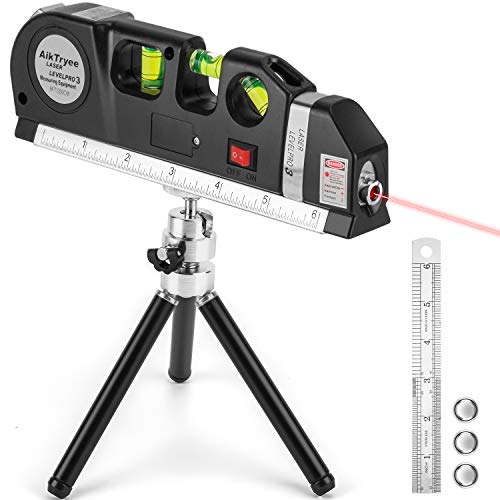
Laser Level Tool Multipurpose Laser Level Line Laser Kit With triangle bracket for Picture Hanging, cabinets Walls by AikTryee
MULTIFUNCTION LASER LEVEL: Laser level tool With triangle bracket Works For Indoor Designed for any situation where accurate…
As an affiliate, we earn on qualifying purchases.
As an affiliate, we earn on qualifying purchases.